Continuing the image editing thread, 62nd issue.
General rules:
♦ A previous round winner presents a busy or just not so interesting image, having at least some potential for different crops or visions.
♦ Anyone (except author of original image) can edit the presented image, up to three distinct edits in separate posts are permitted.
♦ All edits must be based on original image, not on another people's edits (of course borrowing ideas would not be a problem).
♦ Short explanations about your editing intentions and/or techniques are encouraged, but not required.
Once the deadline for images has been reached, no new image versions will be accepted. Questions and (polite) discussions of techniques are welcome, so that we can learn from one another how certain edits were achieved.
The edited version gathering most likes wins and its author will start next round, unless they would prefer to pass the torch to someone else.
On the closing day for voting, if there is a draw in the number of likes for two or more edits, then the person that posted the original image will decide the winner from the the photos receiving the most votes.
Editing rules:
♦ All "normal" adjustments (brightness, colours, curves etc) are permitted (both local and global ones).
♦ All geometric adjustments (perspective, cropping etc) are permitted.
♦ Artistic effects (brushes, textures etc) are allowed.
♦ No additions or replacements may be made to the main subject matter of the image; non-essential objects may be removed, and parts of the original image can be "moved" to a different position in the image. Sky replacements are OK unless the sky is the main subject..
♦ Generative AI must not be used.
Timing:
Get your images posted by March 25th. As always, you can vote during the entire contest plus one day after the image submission deadline. I'll post reminders.
The photo:
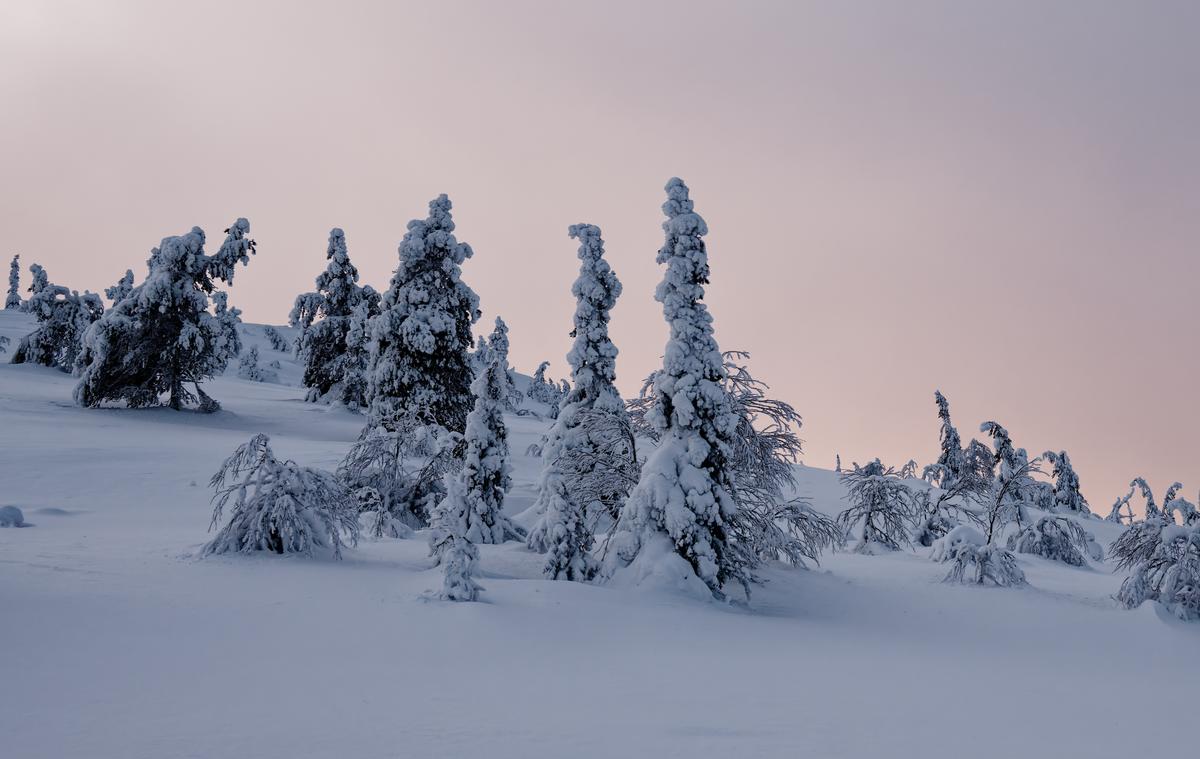
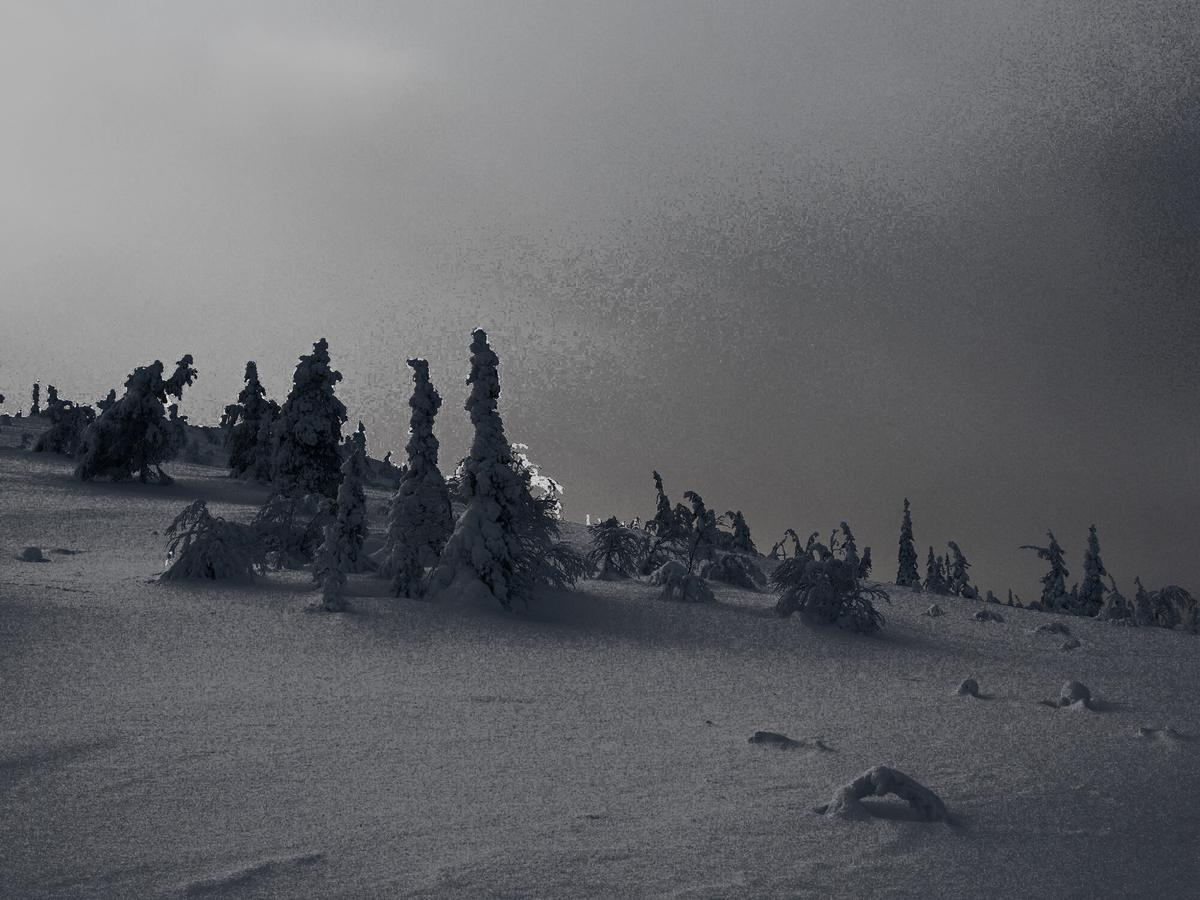
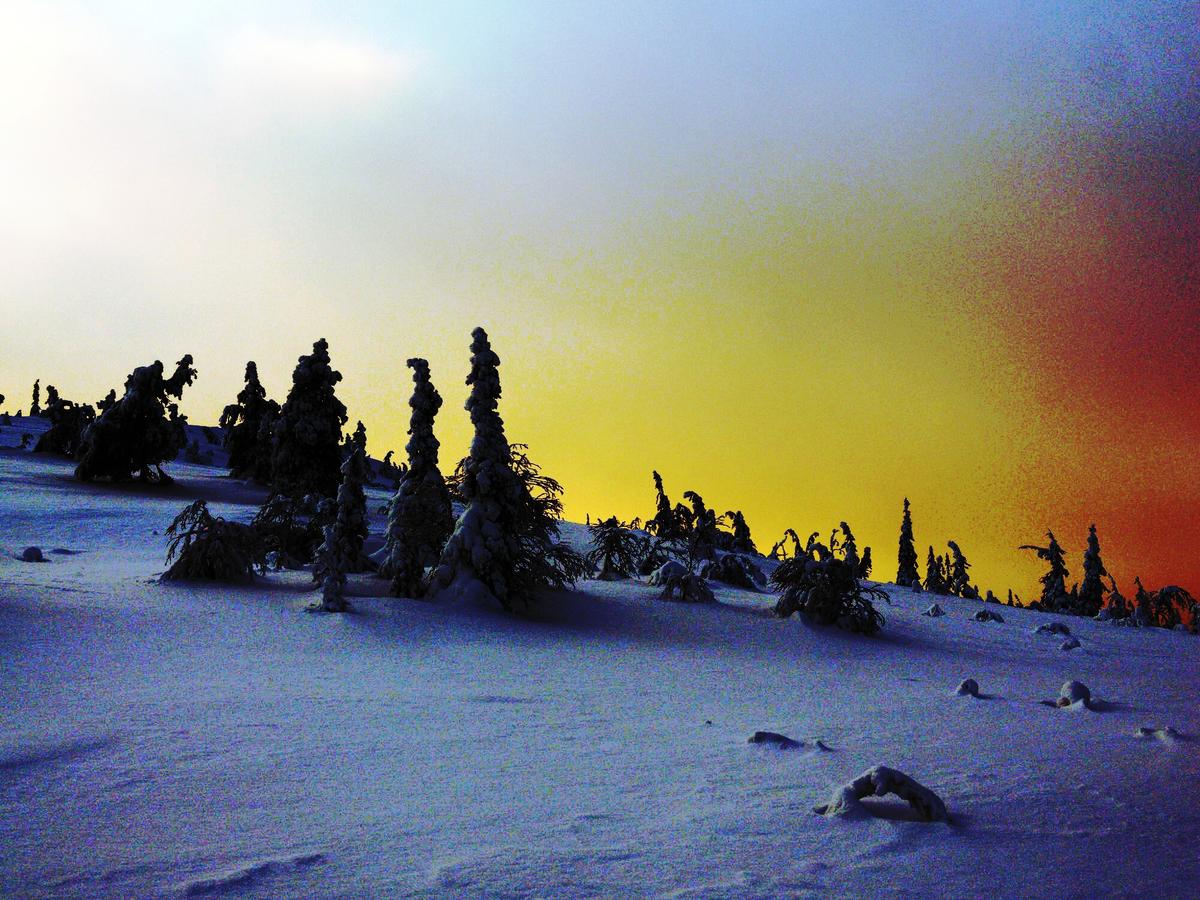
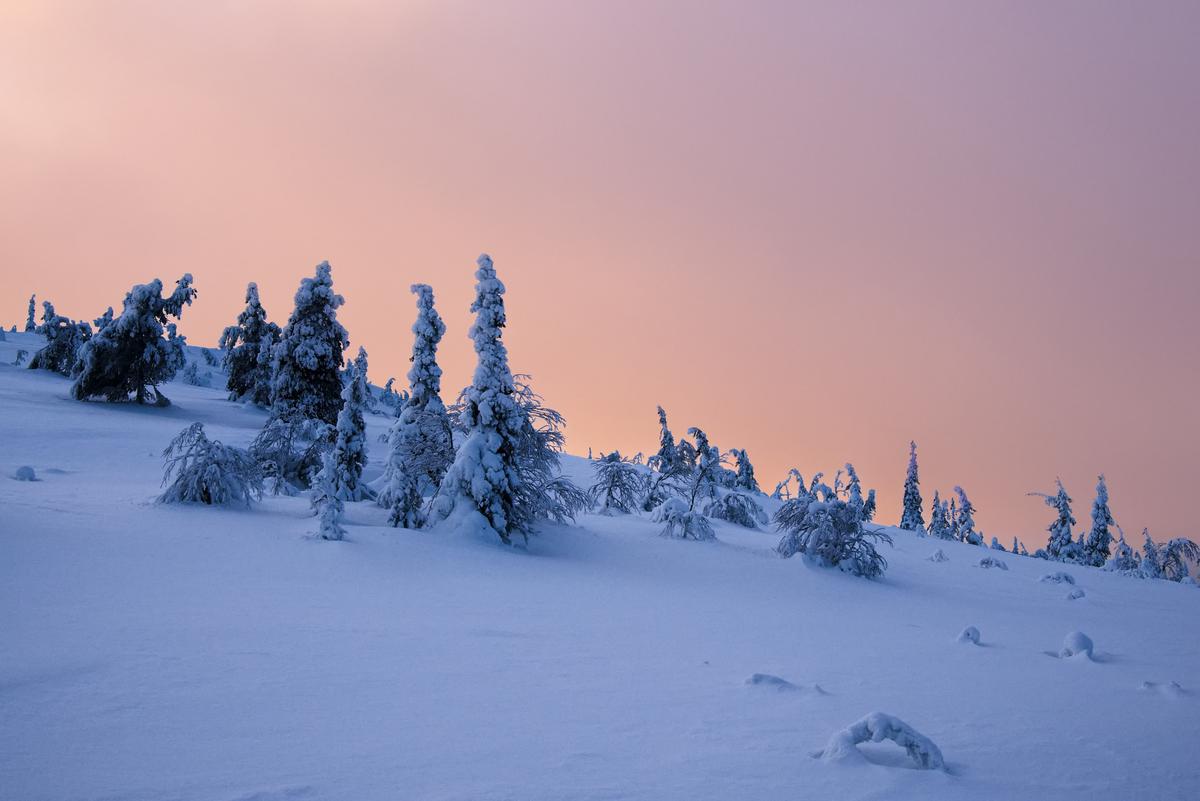
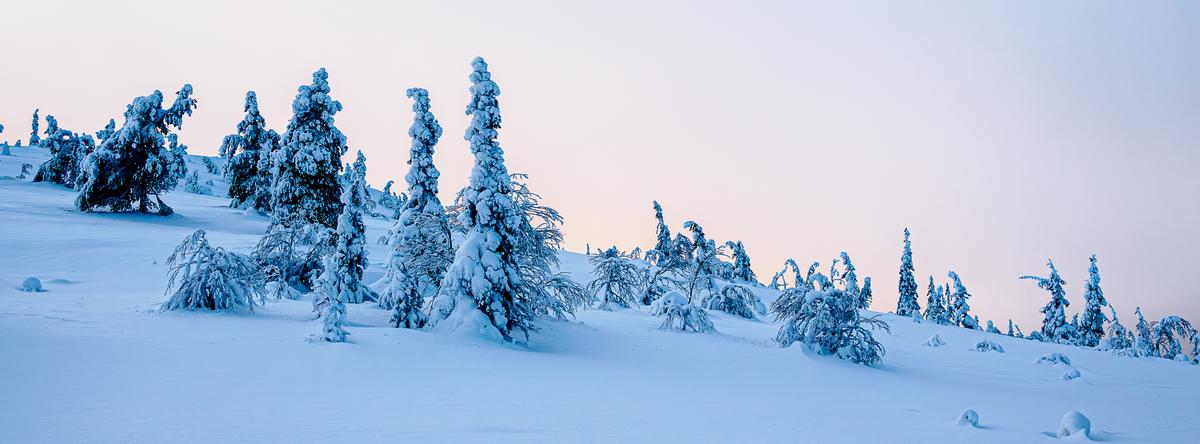
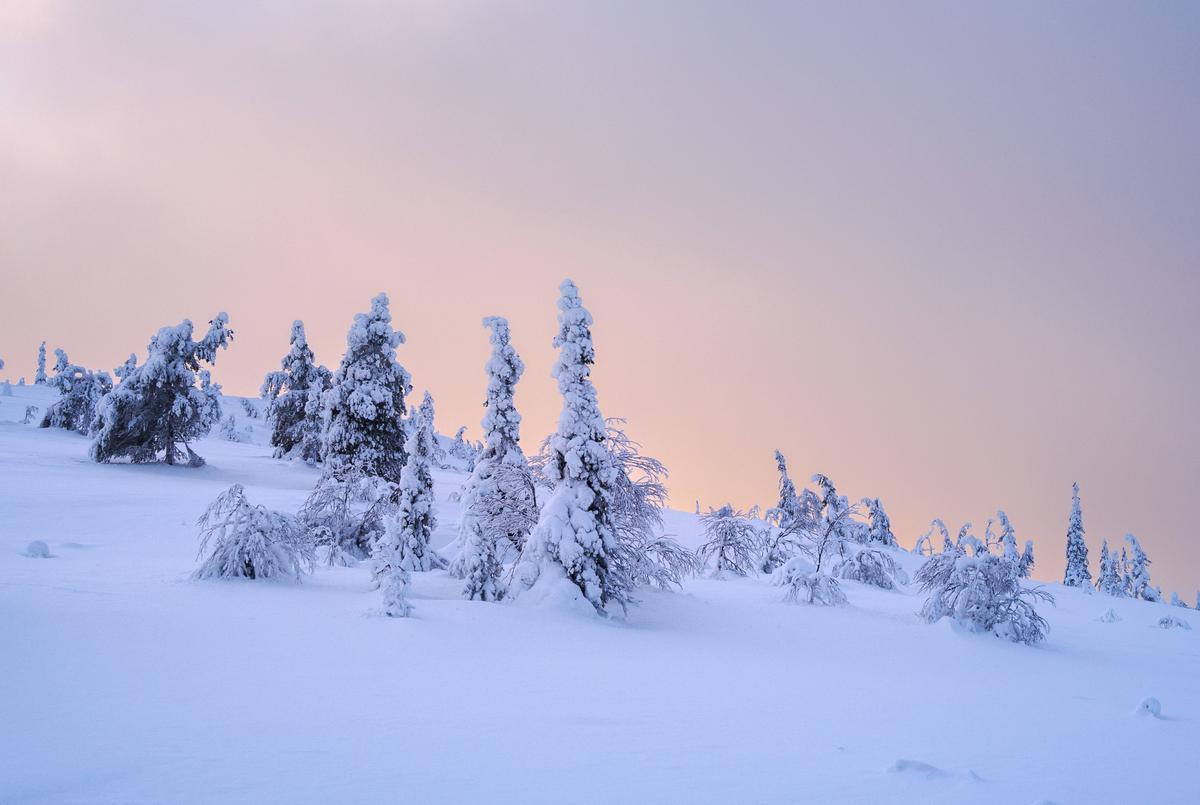
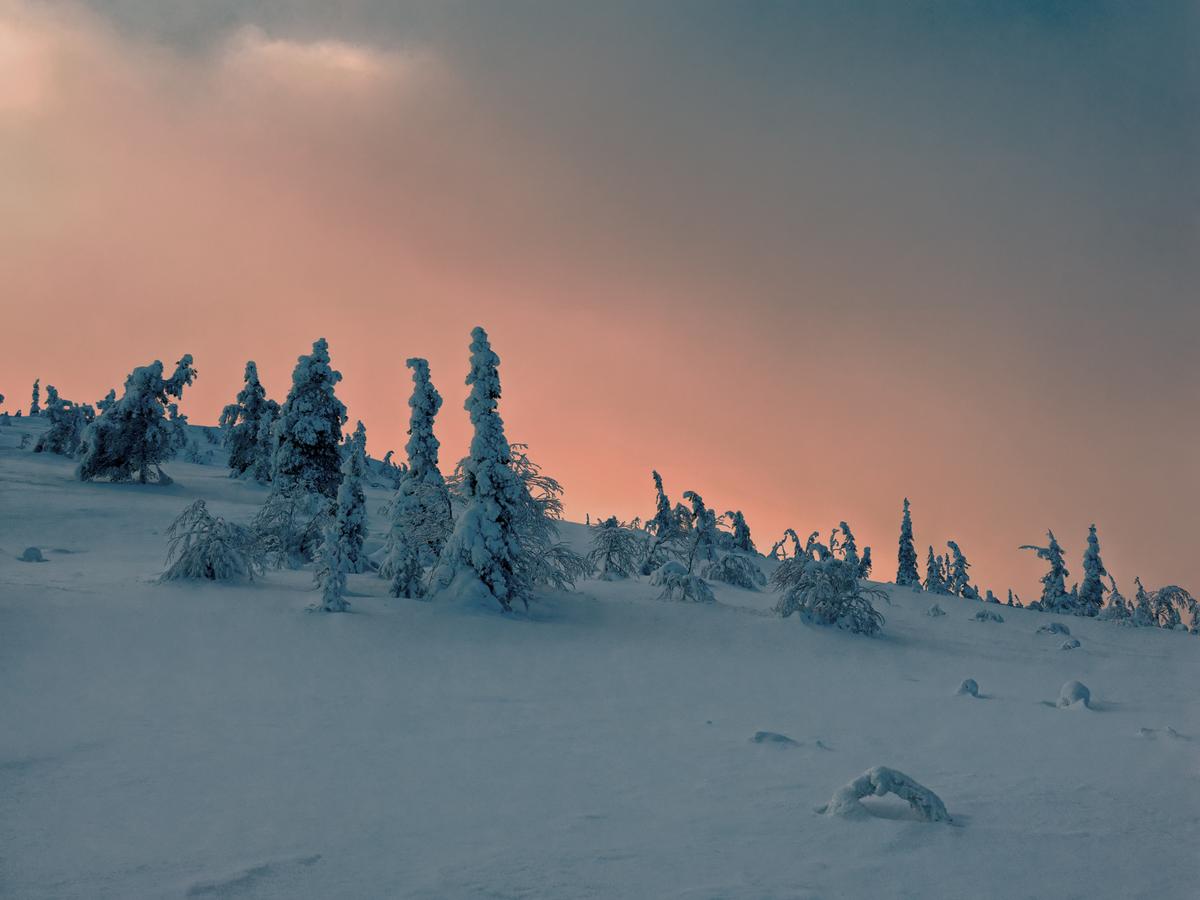
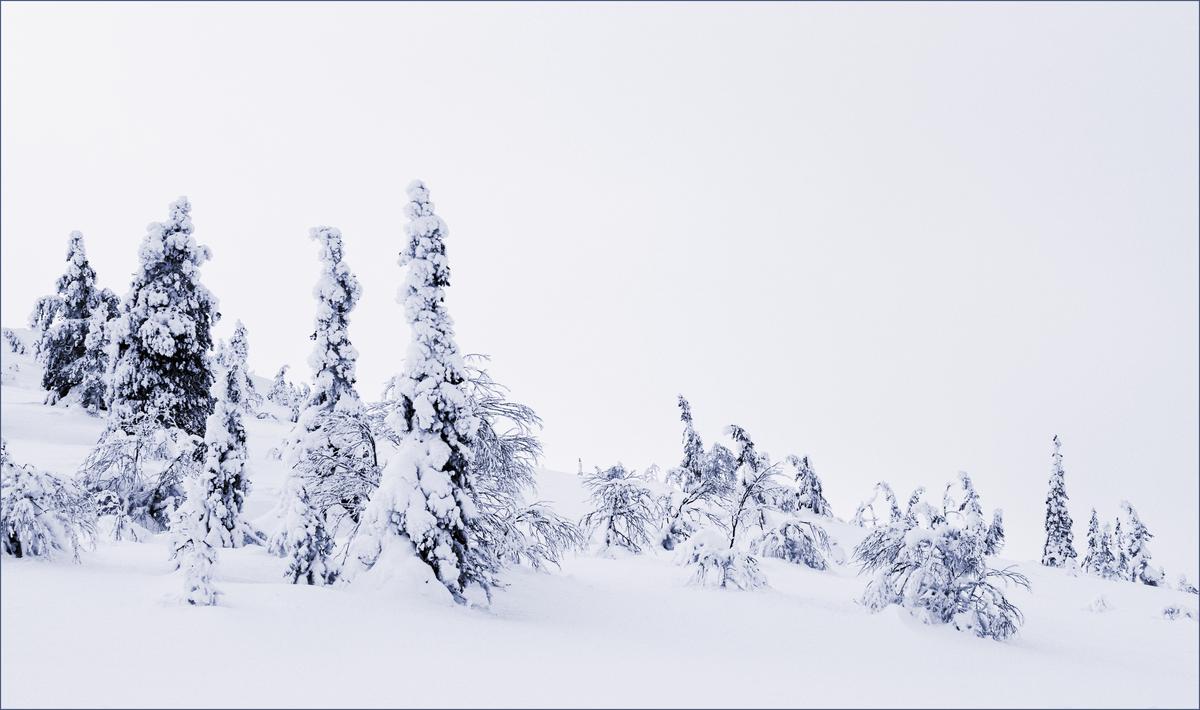
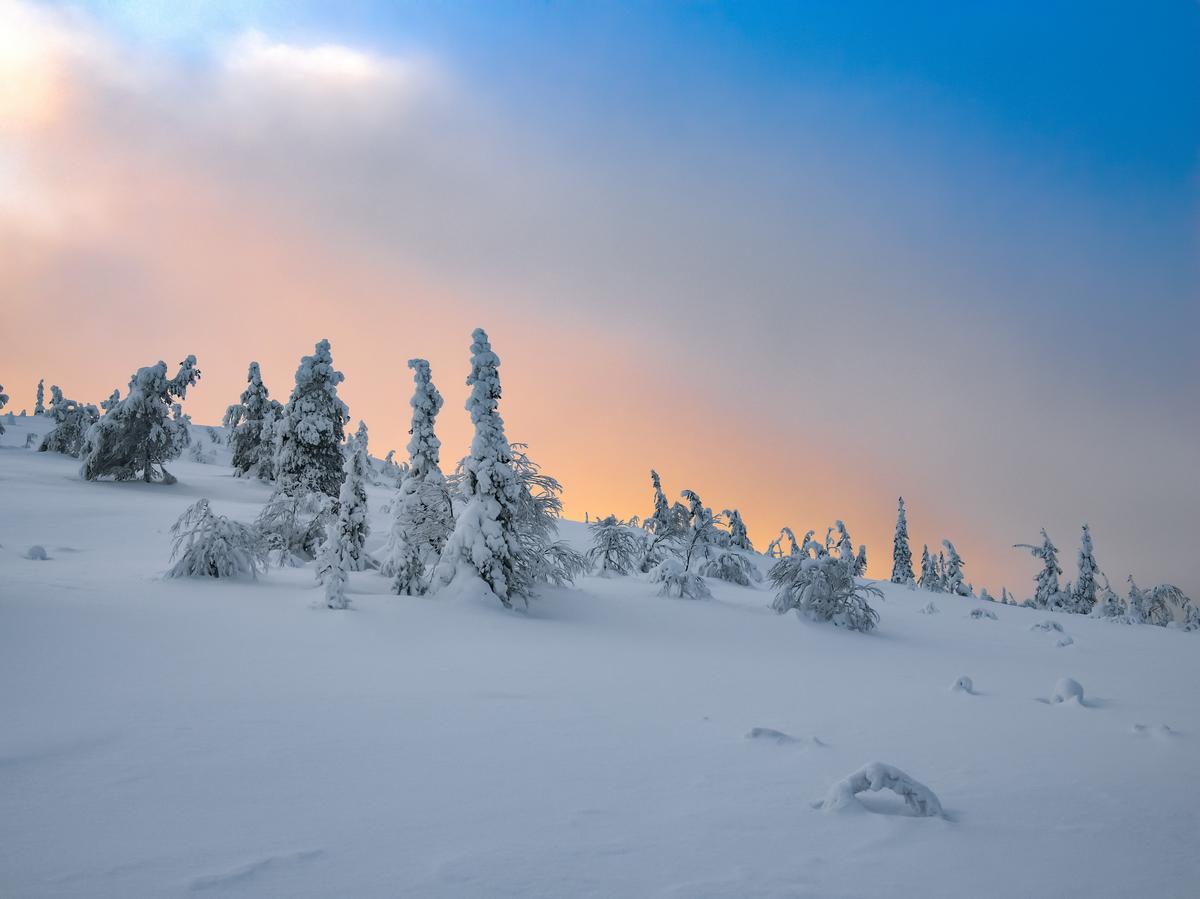
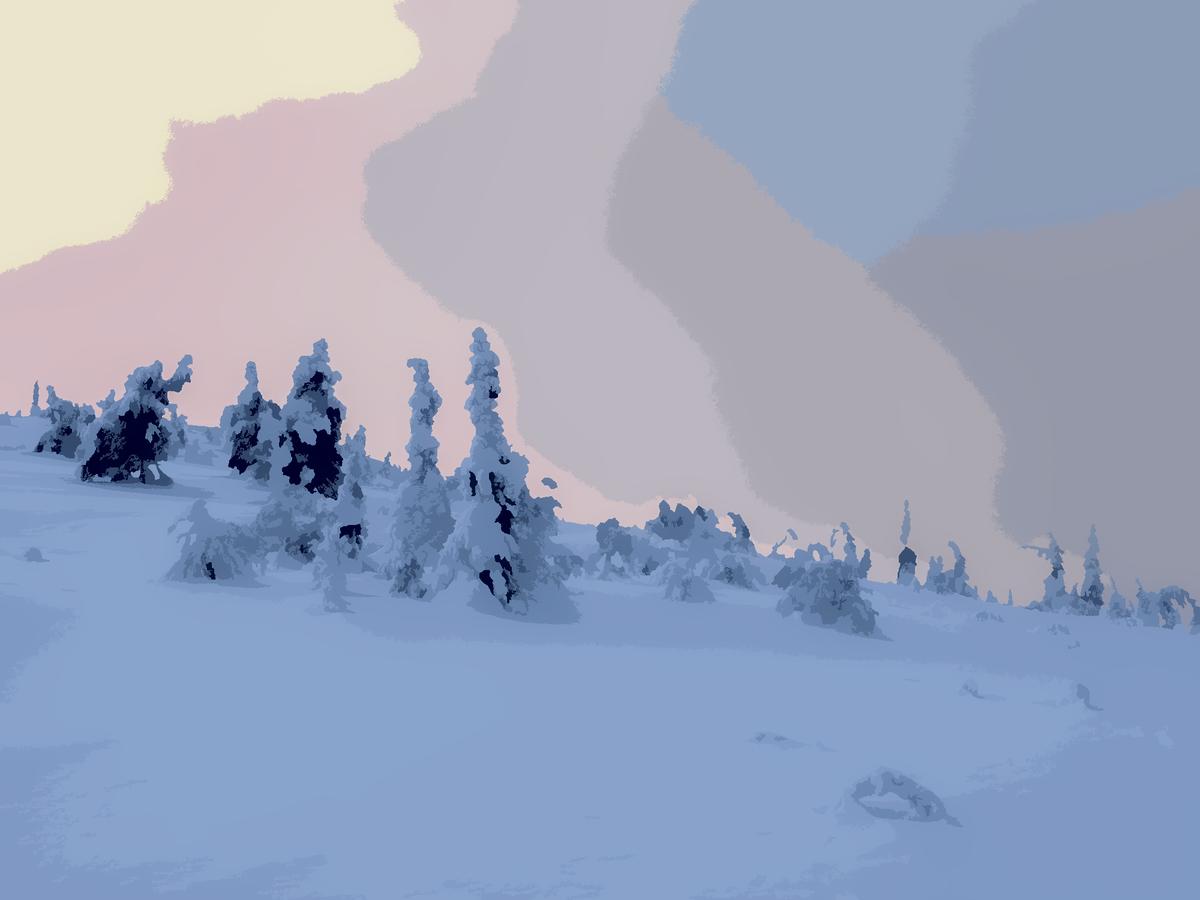
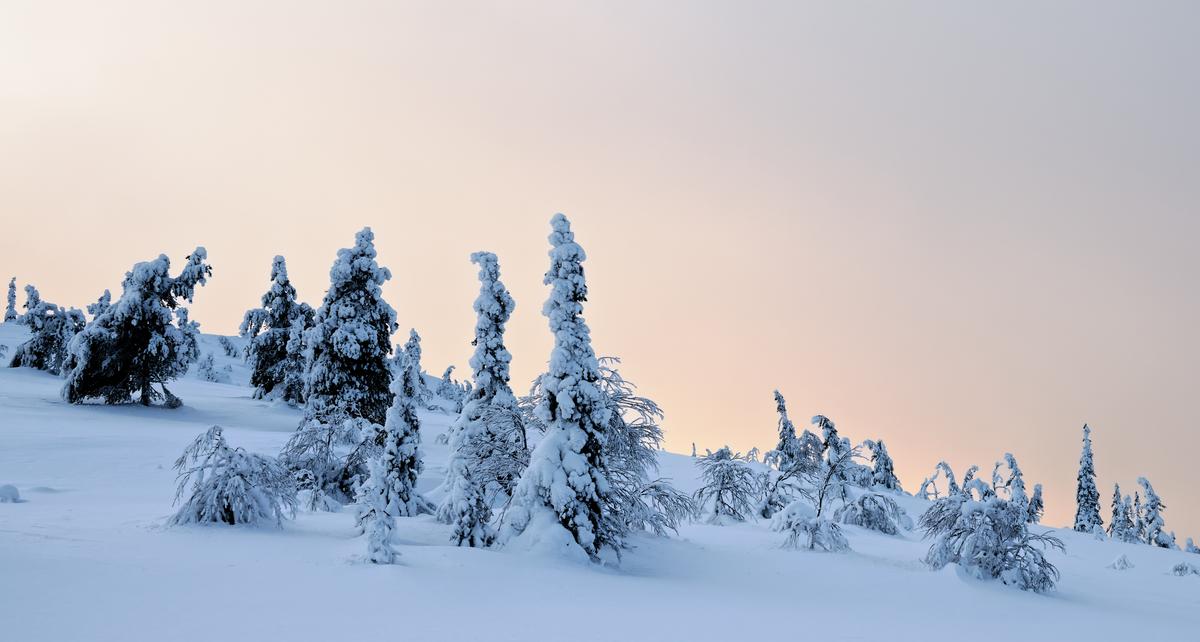
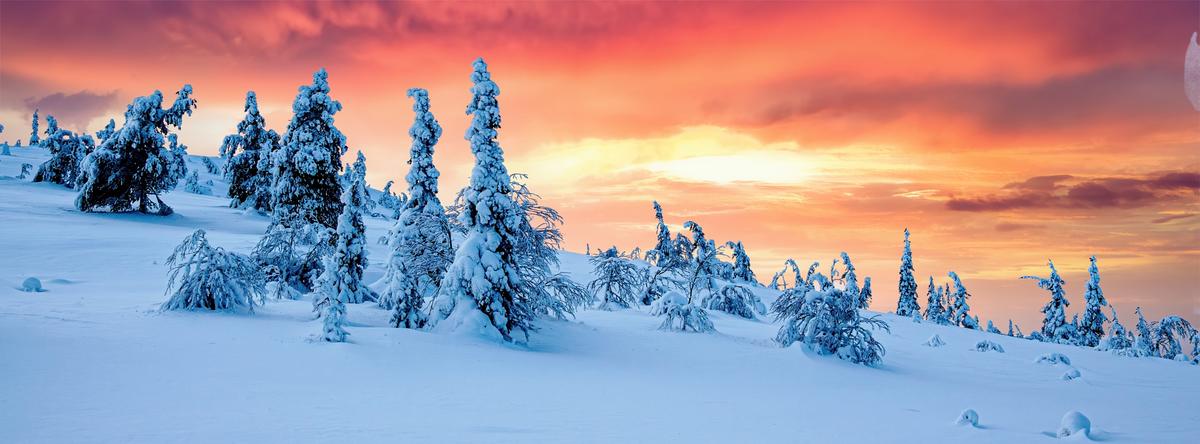
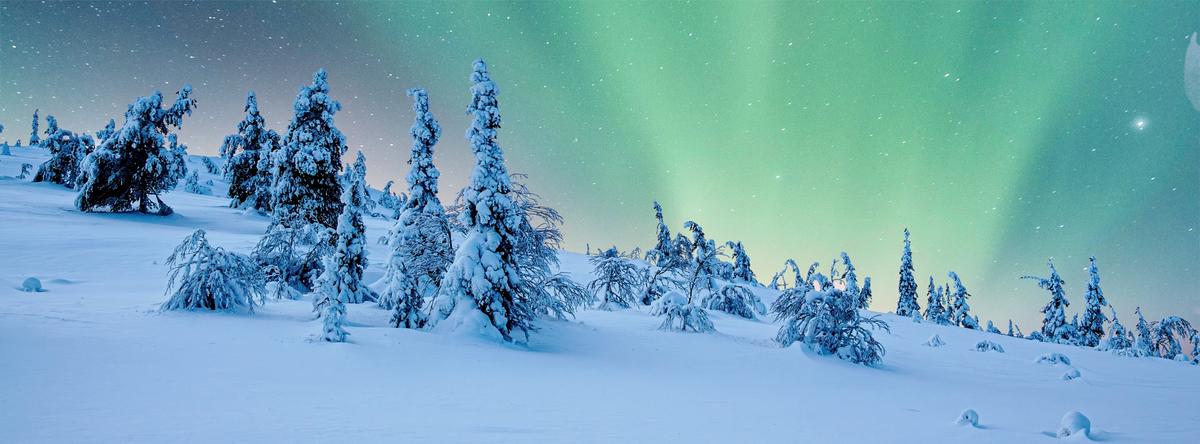
This photo was taken in February 2025 in Finnish Lapland in the evening just before sunset. I was on opposite to sun side of hill, so snow on that side was in shade and had blue colour from blue sky. But clouds were getting nice warm hue from setting sun, so it was quite striking colour contrast between cool-toned snow and warm-toned clouds. But camera managed to neutralize most of colours, so out of camera photo was not the view I remembered. So I'm looking in this edit to get these colours back. Or to get some other creative editing out of it.
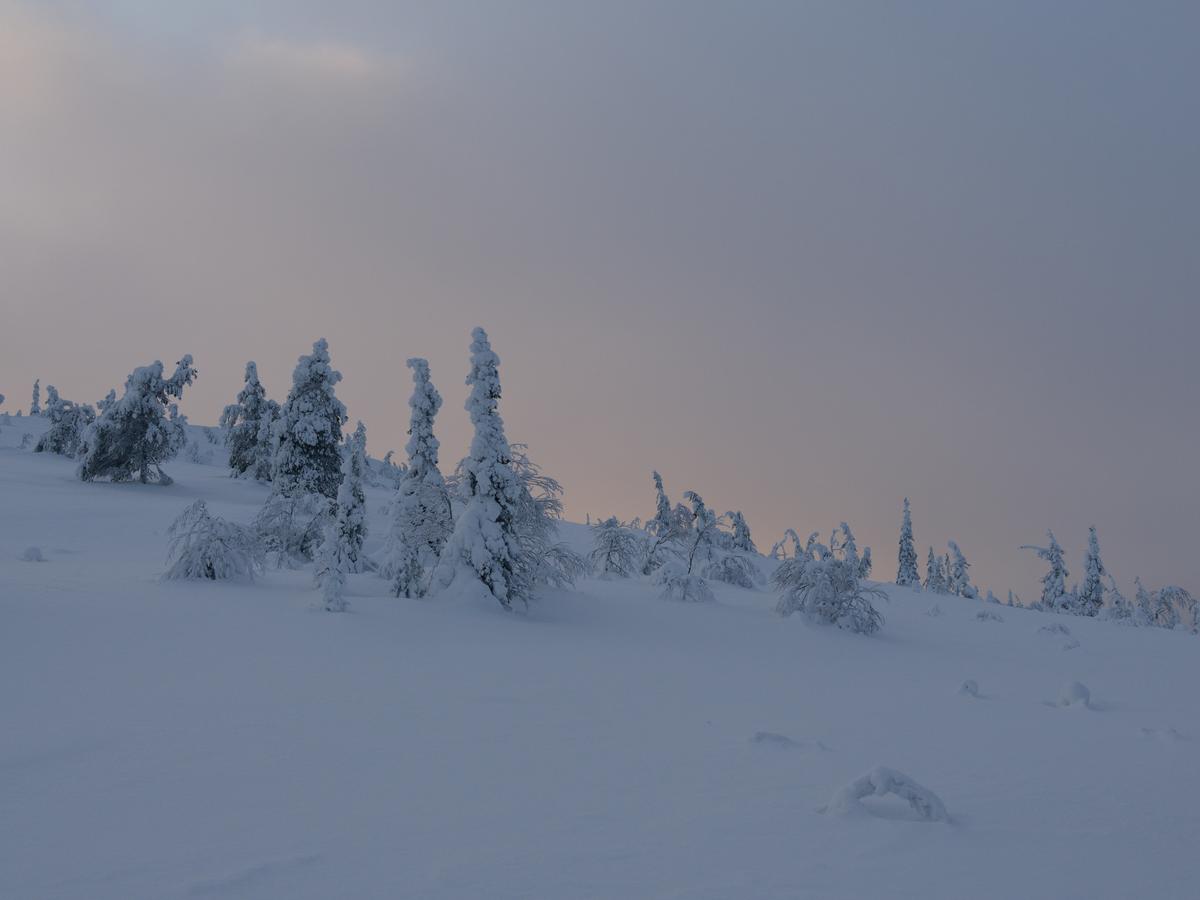
Raw file can be found here drive.google.com/file/d/1_14QPGRGyOMUtuUxwlxLunoZVeubNTtI/view?usp=share_link