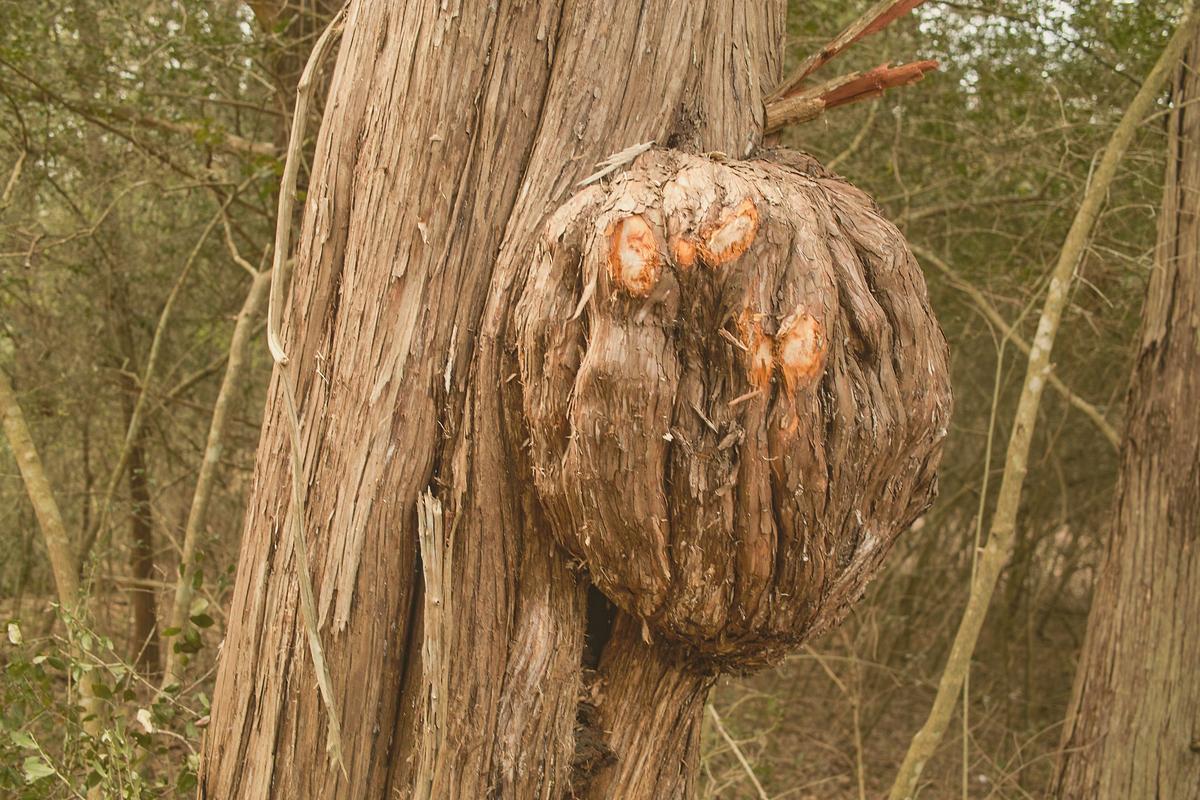
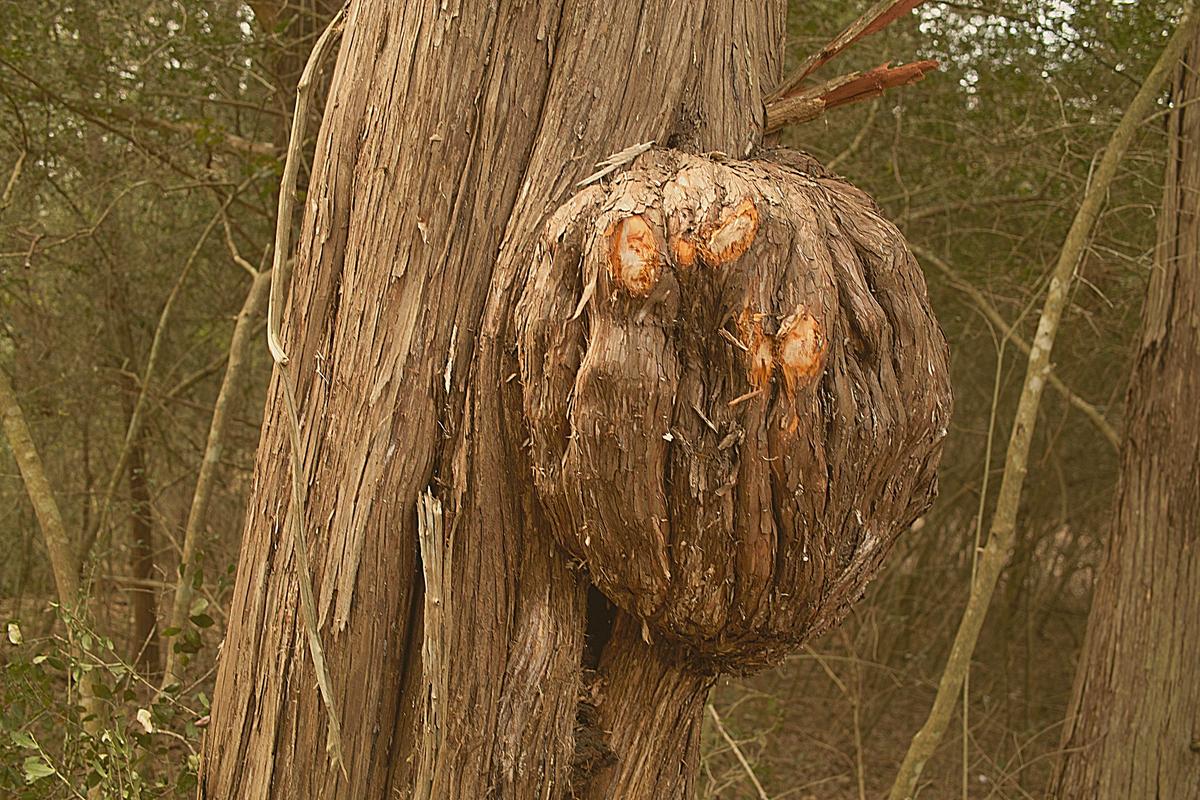
Have a play with this:
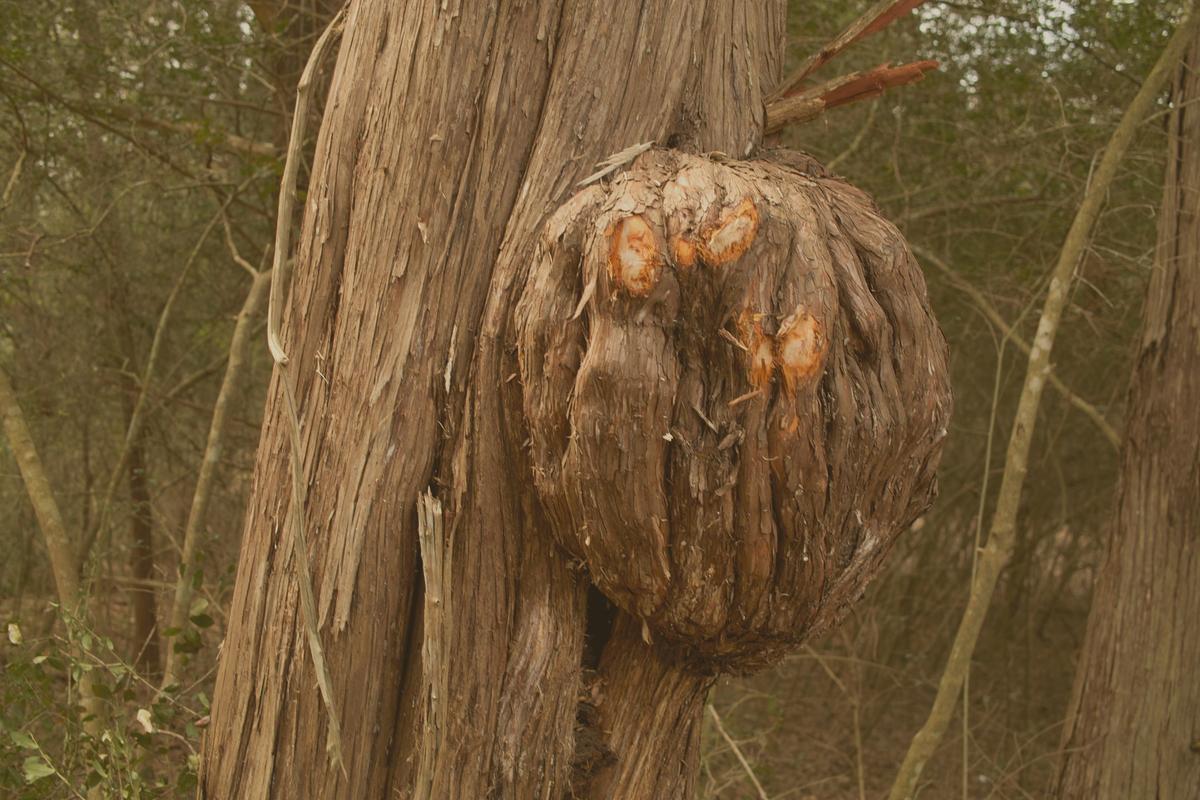
I rather like histogram equalization:
Going to extremes - Contrast Limited Adaptive (CLAHE) -default settings,
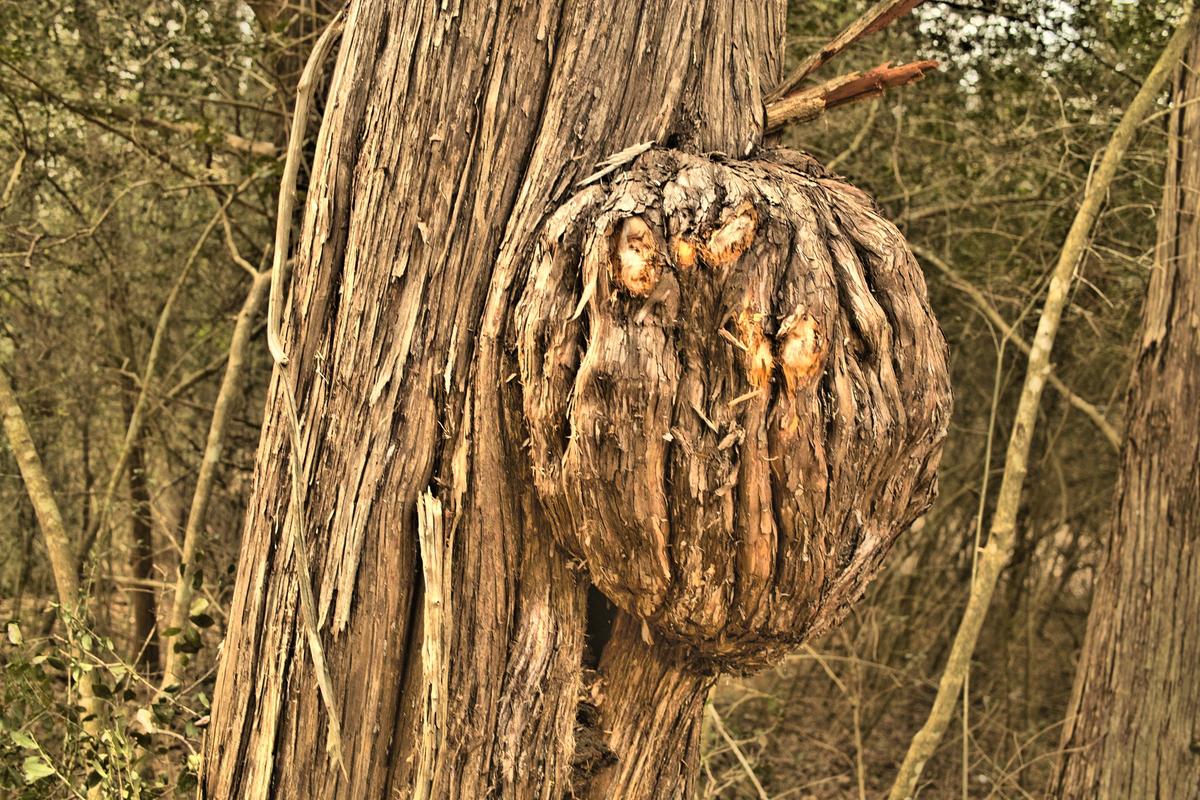
Simple Adaptive AHE
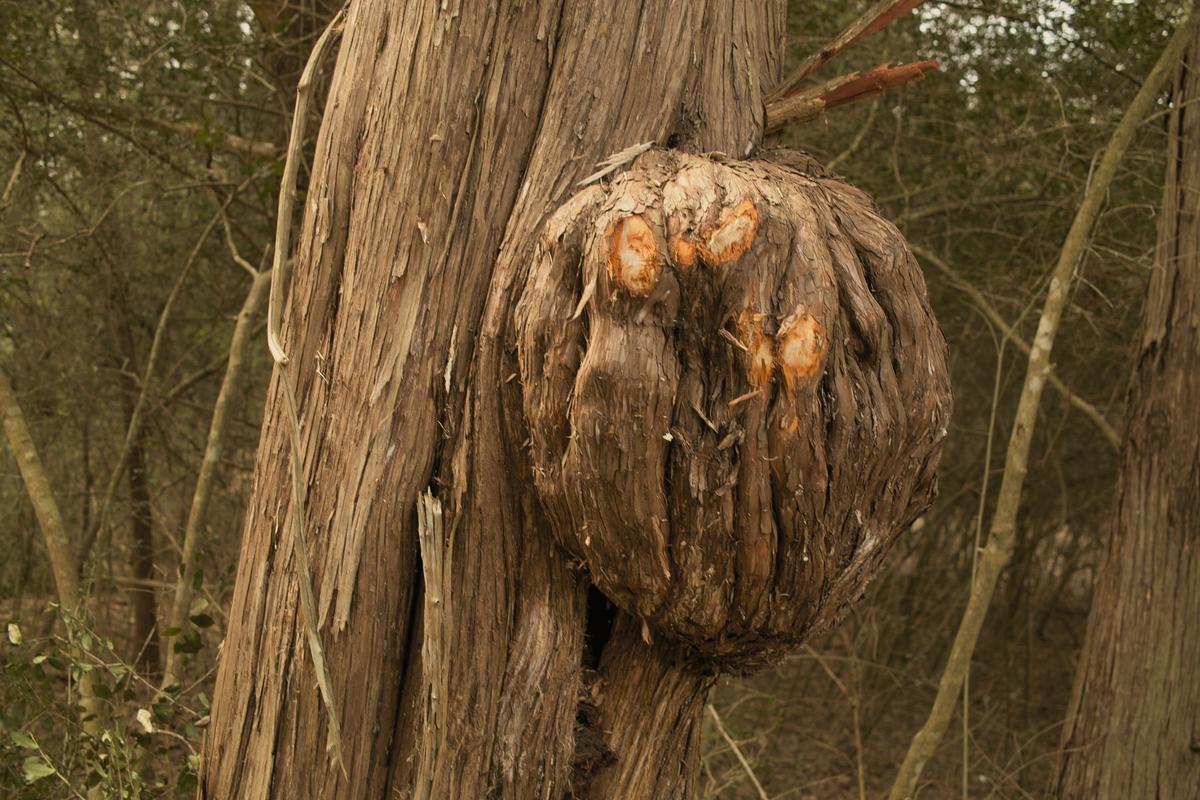
What's your own favorite? Please demo by playing with my first above ...
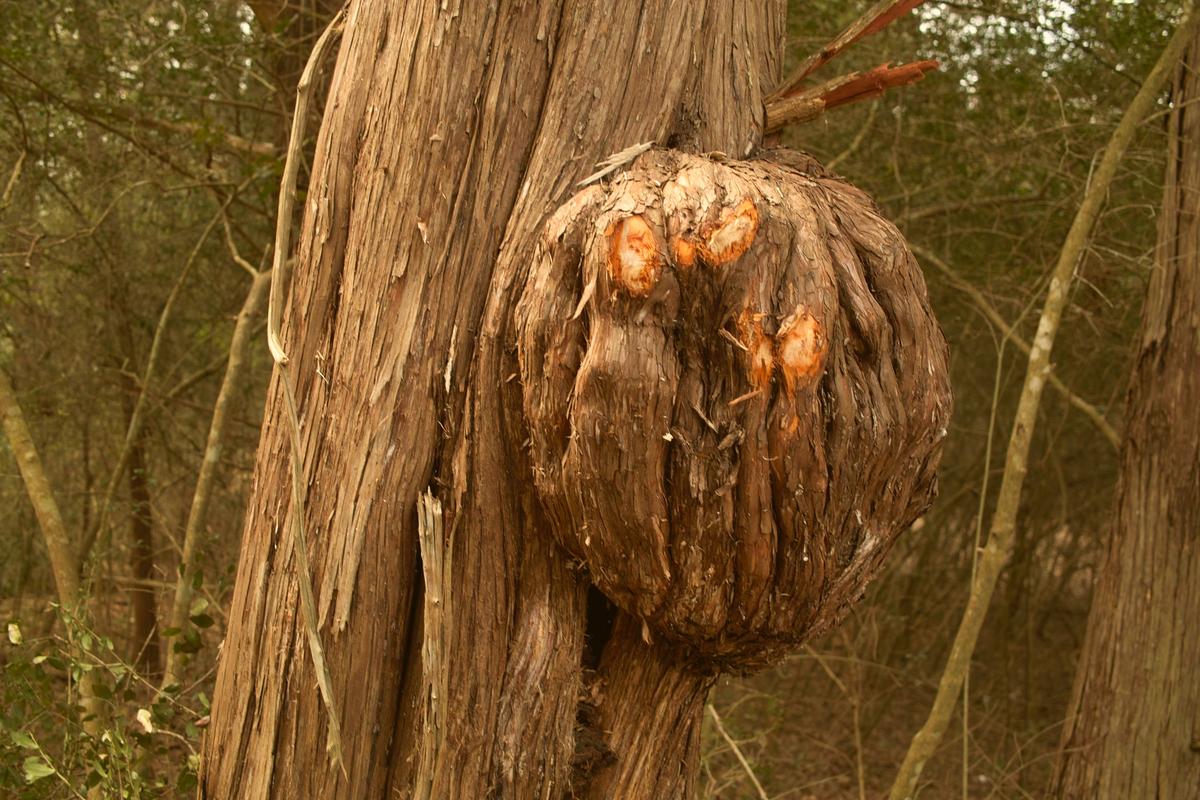
Have a play with this:
I rather like histogram equalization:
Going to extremes - Contrast Limited Adaptive (CLAHE) -default settings,
Simple Adaptive AHE
What's your own favorite? Please demo by playing with my first above ...
I want to know what the different methods do, or more specifically how they do it.
With further reference to histogram methods:
Some of us improve low contrast images in Levels by moving the left slider rightwards until the shadows are made darker and by moving the right slider leftwards until the highlights are brightened, then mess with the middle slider to affect the midpoint.
Download this and compare the histogram with that of the 'play' image. It remains the same shape but is stretched between black and white.
Another method is simple histogram equalization: en.wikipedia.org/wiki/Histogram_equalization
Then we get "adaptive equalization": en.wikipedia.org/wiki/Adaptive_histogram_equalization
And "Contrast-Limited" - the most complex: (scroll down in the above link) .,.
HTH.
Not bad, Donald ... what method?
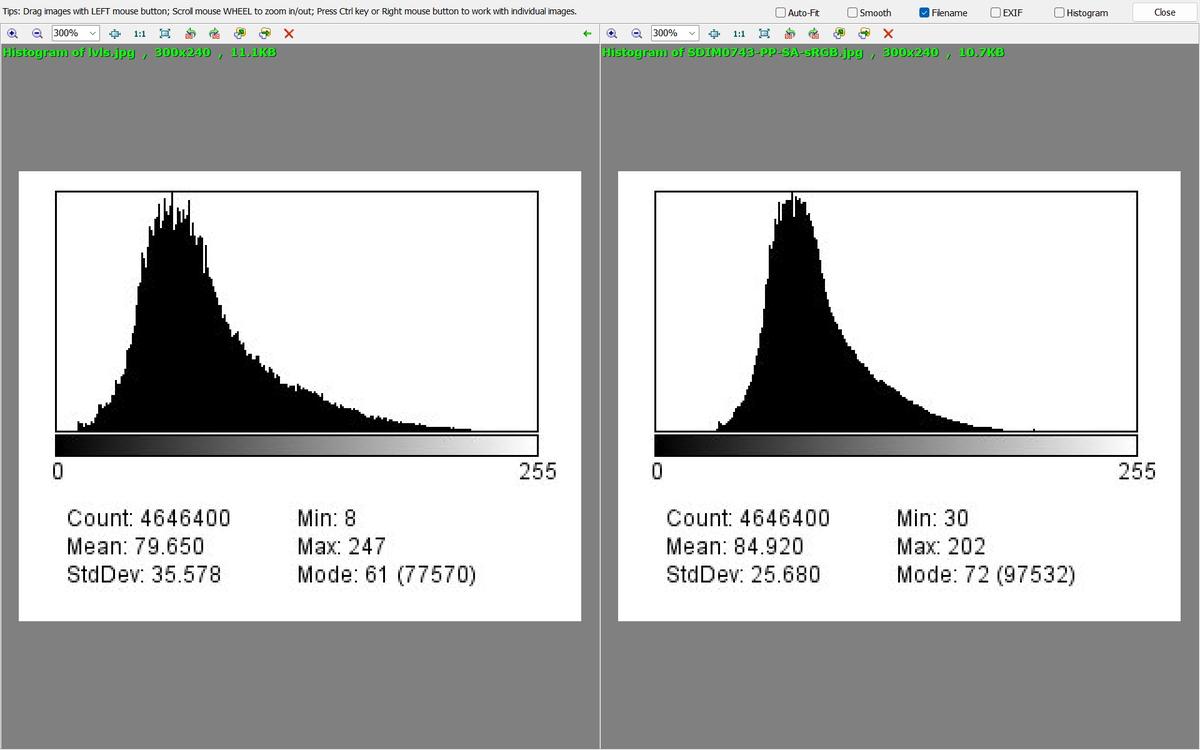
Here's a comparison of histograms ... Levels at left Play Image at right:
Could have gone further at both ends ... in the past I have deliberately clipped at both ends by moving the Levels pointers into actual histogram content!
Your question is hard to answer - I really don't know, what exact methods my tool of choice (DXO Photolab) uses.
I can change contrast by multiple methods (capitalization follows DxO options):
For your image they all give different results - and of course they can be combined :)
Attached image is processed as next (unchanged options skipped; WB and color adjustments not specified here):
Well, all this likely resulted in too contrasty (or dark) image. You can calculate histogram yourself, easier to compare :)
Histogram looks good, perhaps a little on the dark side (mode is the level of the tallest bin):
Sorry ? Histograms ?
WYSIWYG here.
By the time final sharpen/brightness/clarity/structure is established; contrast really falls back on personal choice.
I'm happy to trust my eyes at full screen.
Ron.
Thanks Ted!
More reading piling up - have barely started on that optics book you linked to a while ago...
my standard, ACR bit of dhaze bit of clarity and a bit of sharpening, lifted the exposure, no WB ajdst on the image. i print alot so i always over expose a little.
No comment on this rant: this is the Technical category where histograms can easily be appropriate..
From responses so far, it seems that my question is over-simple, posted as if contrast is adjusted all-by-itself rather than in combination with other functions. Indeed, many other functions affect contrast per se, necessitating combinations of adjustment to achieve a desired degree of histogram or even perceptual contrast.
Still, please feel free to play with the OP image and say how you did it ...
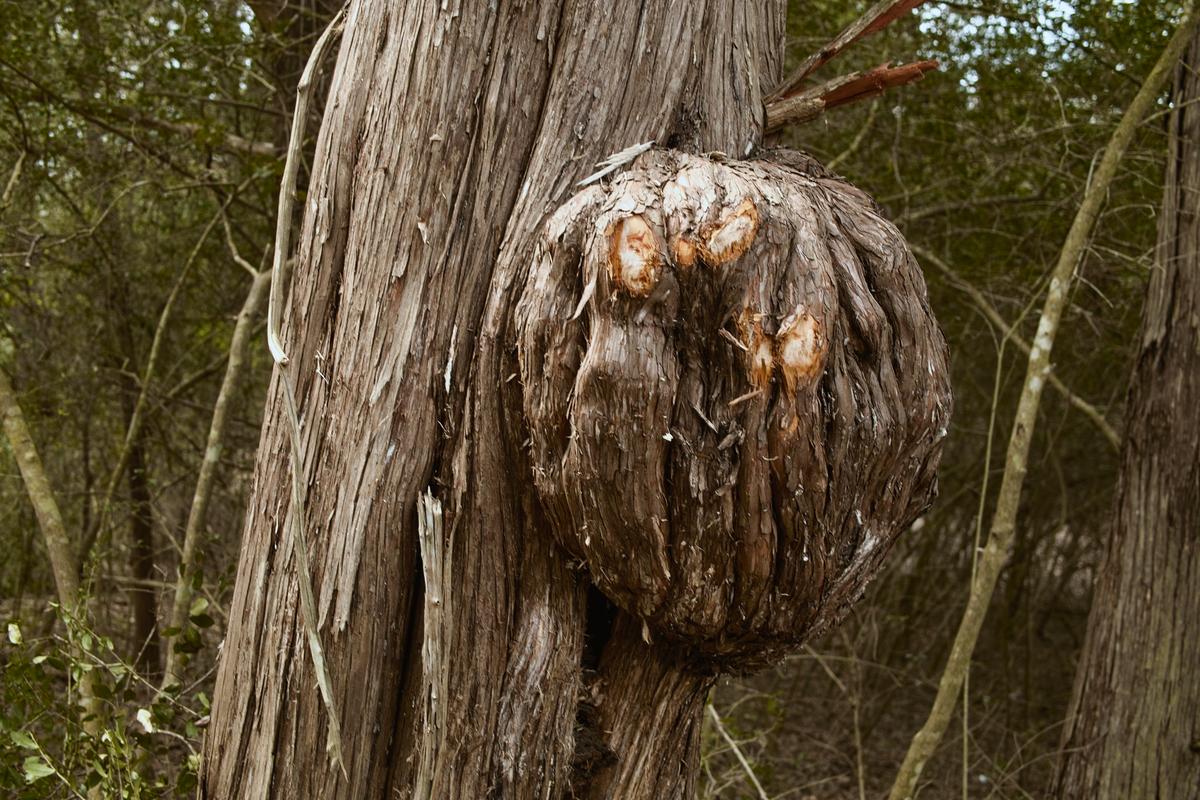
This was done with 41px UnSharpMask plus Levels in FastStone viewer:
In Levels, I clipped deliberately into the darks and lights, hence min 0 and max 255.
It wasn't a "rant" - so please be careful how you respond.
I withdraw the word.
Nevertheless, the style of the first line "Sorry ? Histograms ?" seemed confrontational to me ...
All discussions have different sides.
You asked for my method, you got it.
You'll get others, I'm sure.
If you're going to dummy spit when you can't control the narrative, then it's going to be a very short topic.
In Forums, as in Life, if you're not ready for the answer, don't ask the question.
Rest assured, your future posts will be safe from me, one sided debates are pointless for mine.
RonP

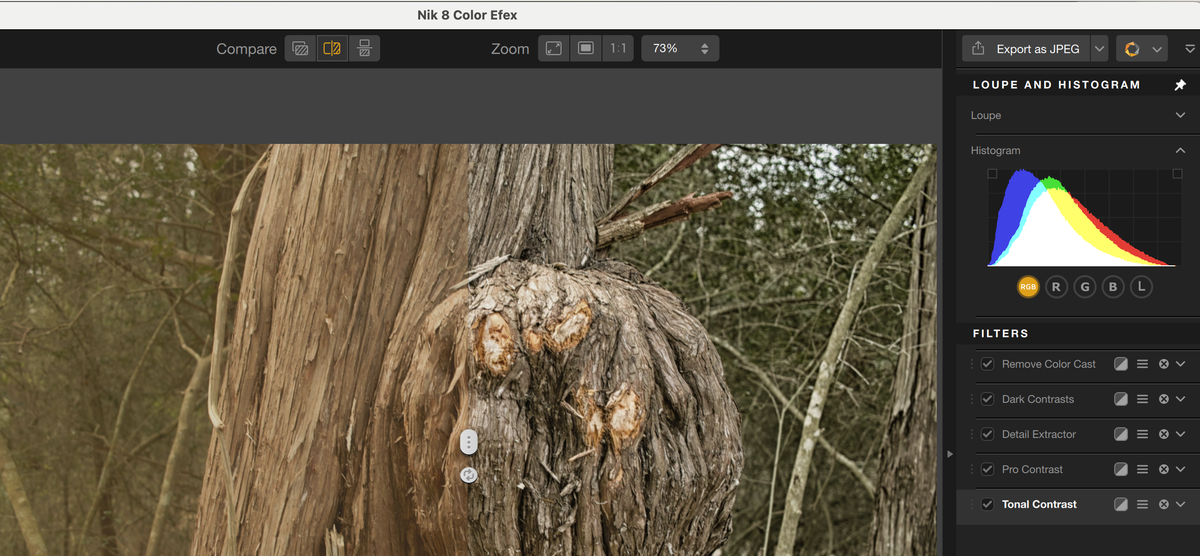
I shoot almost every weekend in small local venue rock performances. As you can imagine the stage is not well lit and quite often filled with smoke, reducing contrast. In my attempts to show bit more than just colourful smoke I have discovered that in addition to DXO Photolab further improvements can be made with Nik plugins, in particular Nik Color Efex, which has multiple contrast filters, in particular Dark contrast with its ability to enhance contrast/details in dark areas.
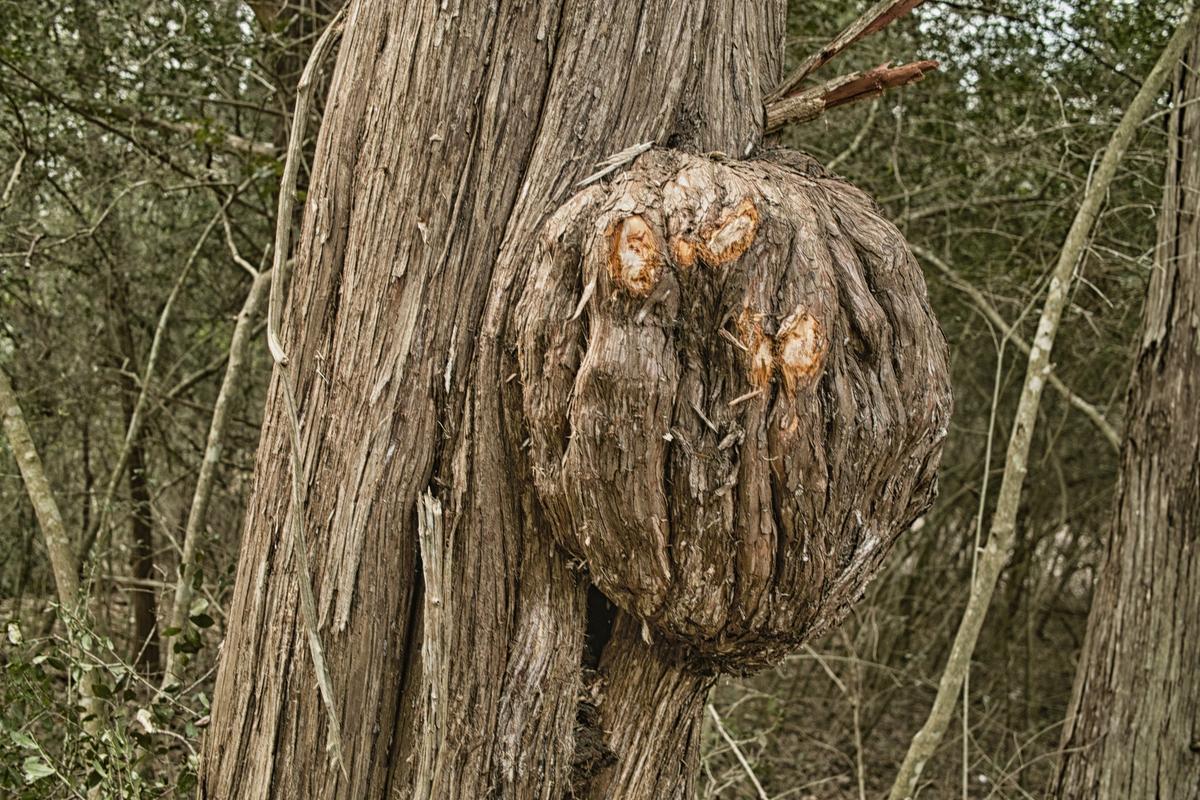
So I put this image through number of contrast filters in Nik Color Efex, removed also colour cast, which seems to increase perceived contrast also, here is result and additional screenshot shows before/after with list of filters and histogram:
It wasn't what you said, it was how you said it.