• Members 2007 posts
    March 29, 2026, 10:34 a.m.

    Continuing the image editing thread, 63rd issue.

    General rules:

    ♦ A previous round winner presents a busy or just not so interesting image, having at least some potential for different crops or visions.
    ♦ Anyone (except author of original image) can edit the presented image, up to three distinct edits in separate posts are permitted.
    ♦ All edits must be based on original image, not on another people's edits (of course borrowing ideas would not be a problem).
    ♦ Short explanations about your editing intentions and/or techniques are encouraged, but not required.

    Once the deadline for images has been reached, no new image versions will be accepted. Questions and (polite) discussions of techniques are welcome, so that we can learn from one another how certain edits were achieved.
    The edited version gathering most likes wins and its author will start next round, unless they would prefer to pass the torch to someone else.
    On the closing day for voting, if there is a draw in the number of likes for two or more edits, then the person that posted the original image will decide the winner from the the photos receiving the most votes.

    Editing rules:

    ♦ All "normal" adjustments (brightness, colours, curves etc) are permitted (both local and global ones).
    ♦ All geometric adjustments (perspective, cropping etc) are permitted.
    ♦ Artistic effects (brushes, textures etc) are allowed.
    ♦ No additions or replacements may be made to the main subject matter of the image; non-essential objects may be removed, and parts of the original image can be "moved" to a different position in the image. Sky replacements are OK unless the sky is the main subject..
    ♦ Generative AI must not be used.

    Timing:
    Get your images posted by April 5th. As always, you can vote during the entire contest plus one day after the image submission deadline. I'll post reminders.

    The photo:

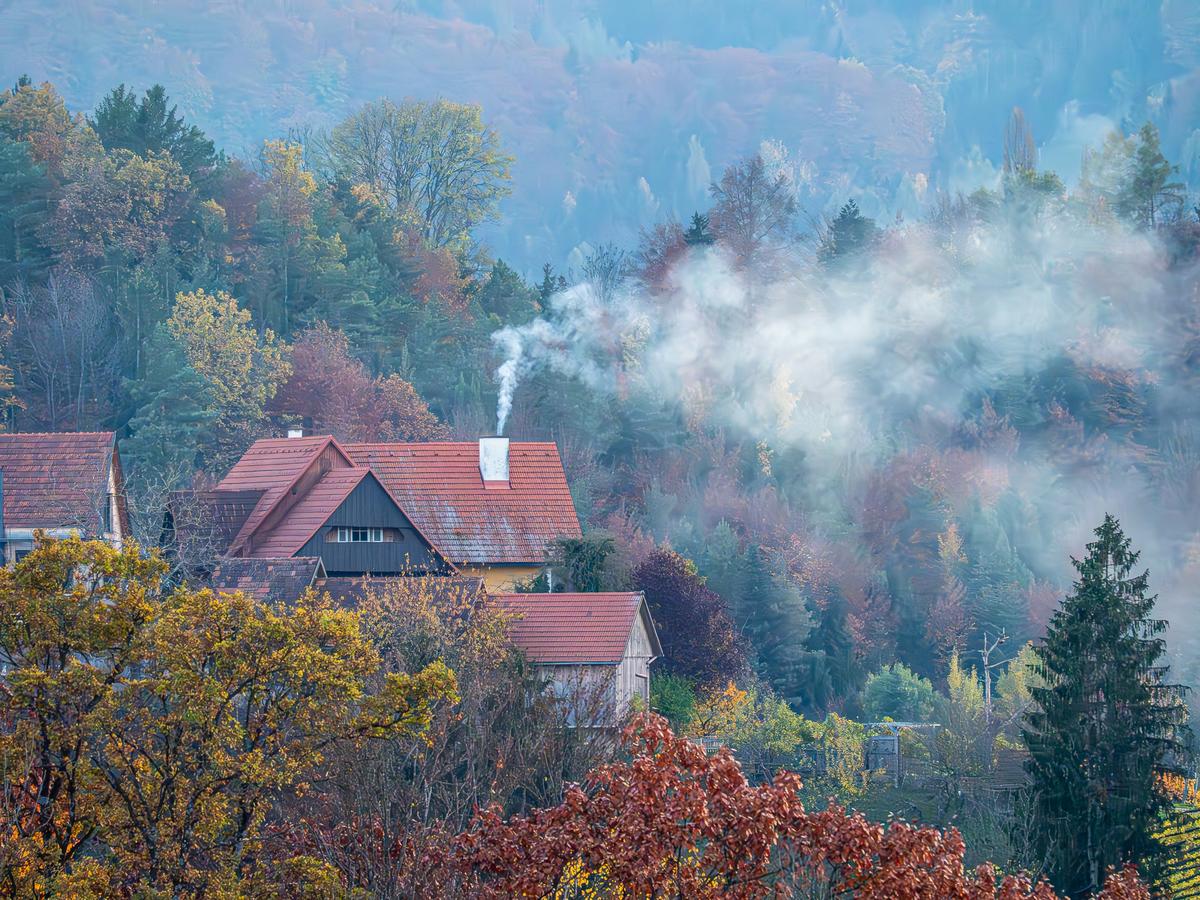
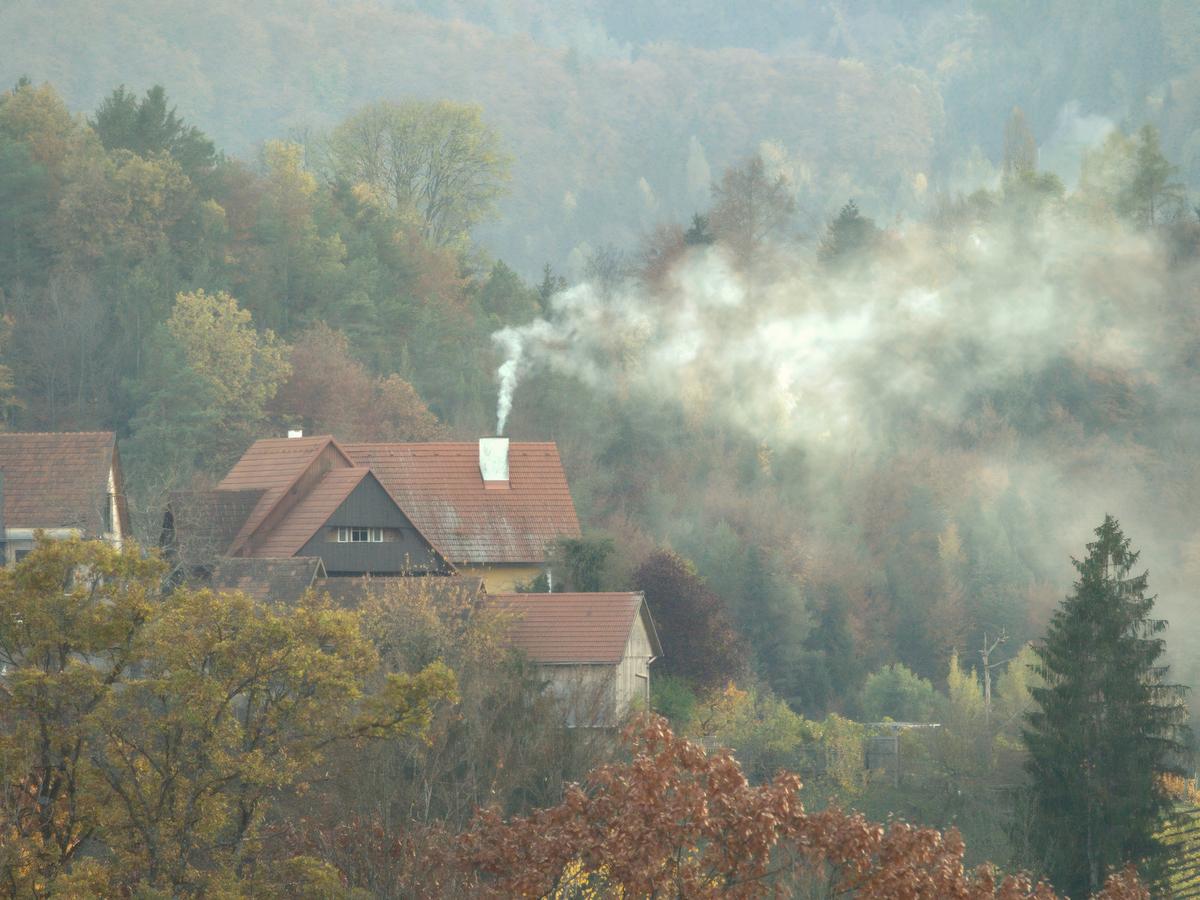
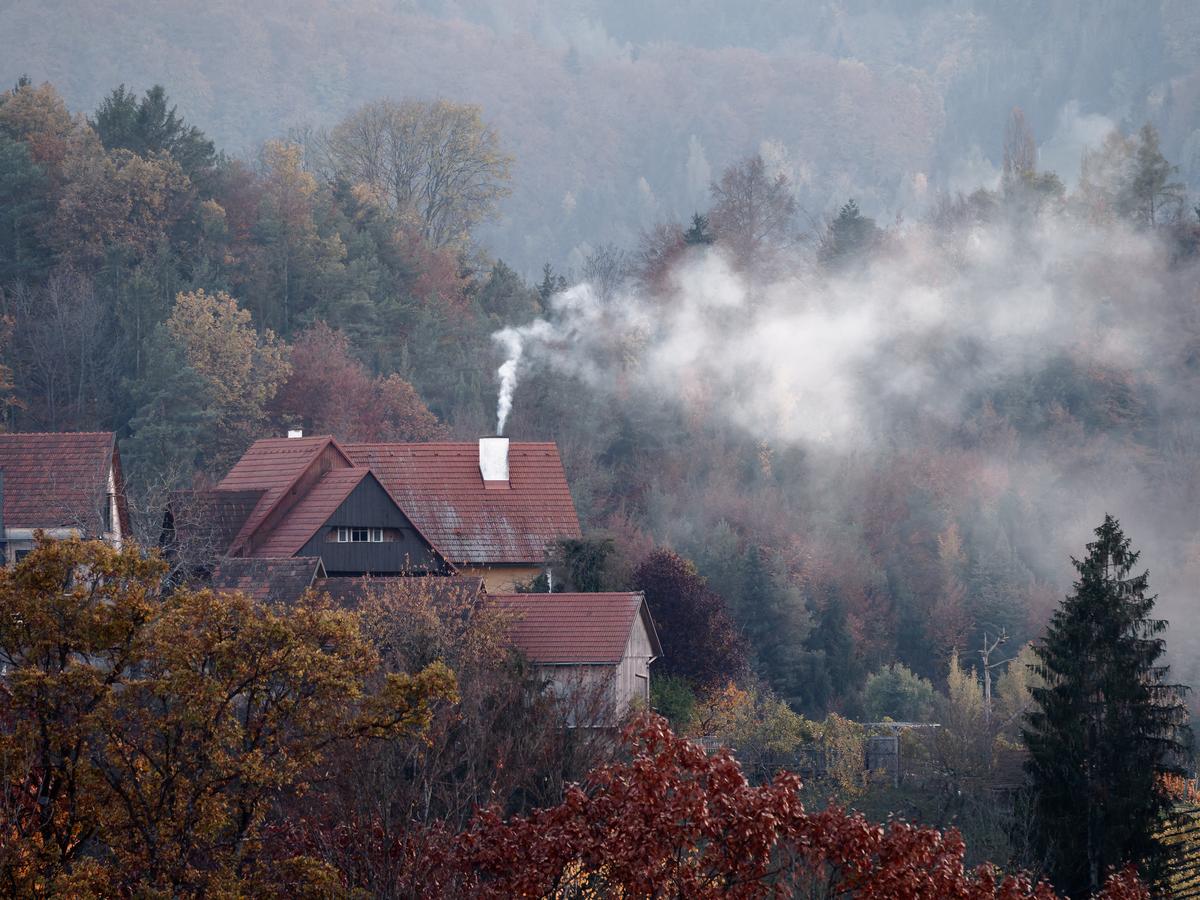
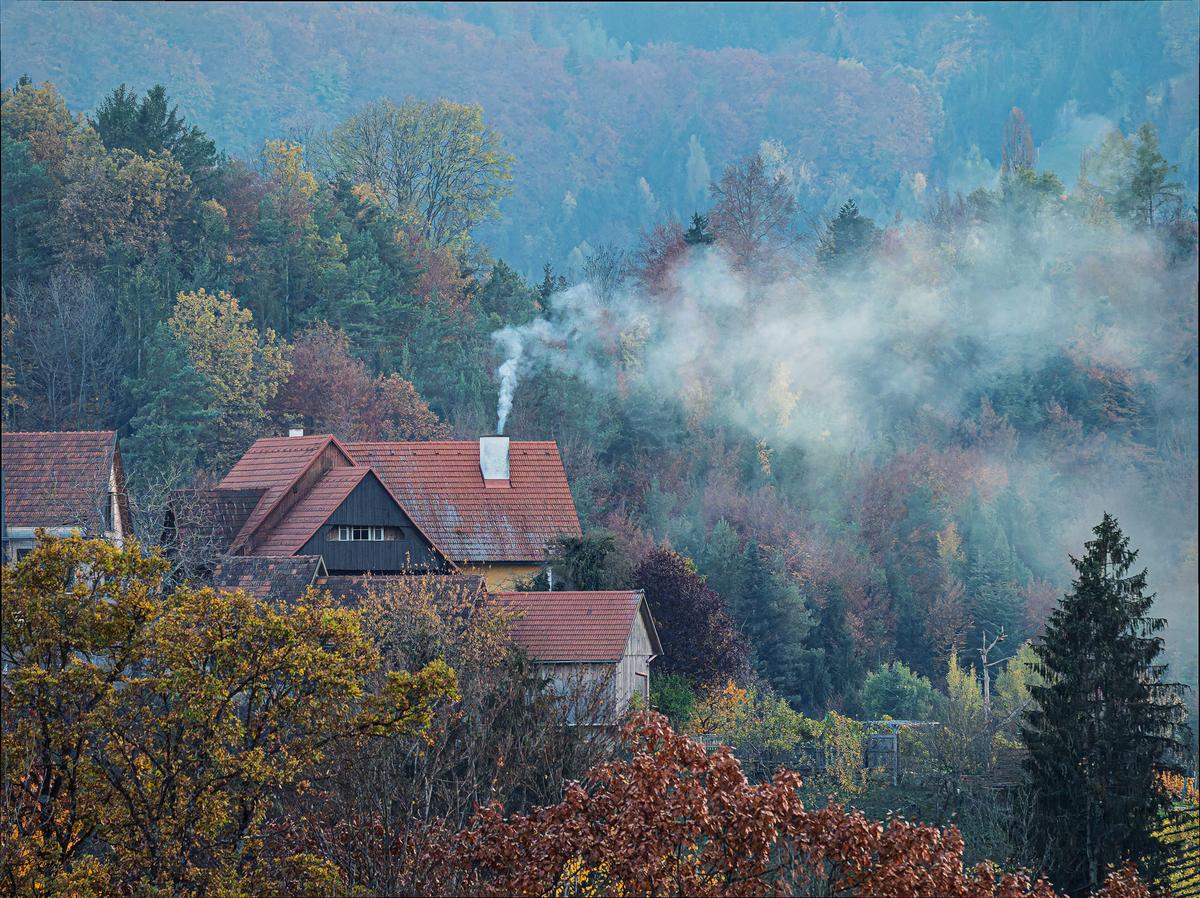
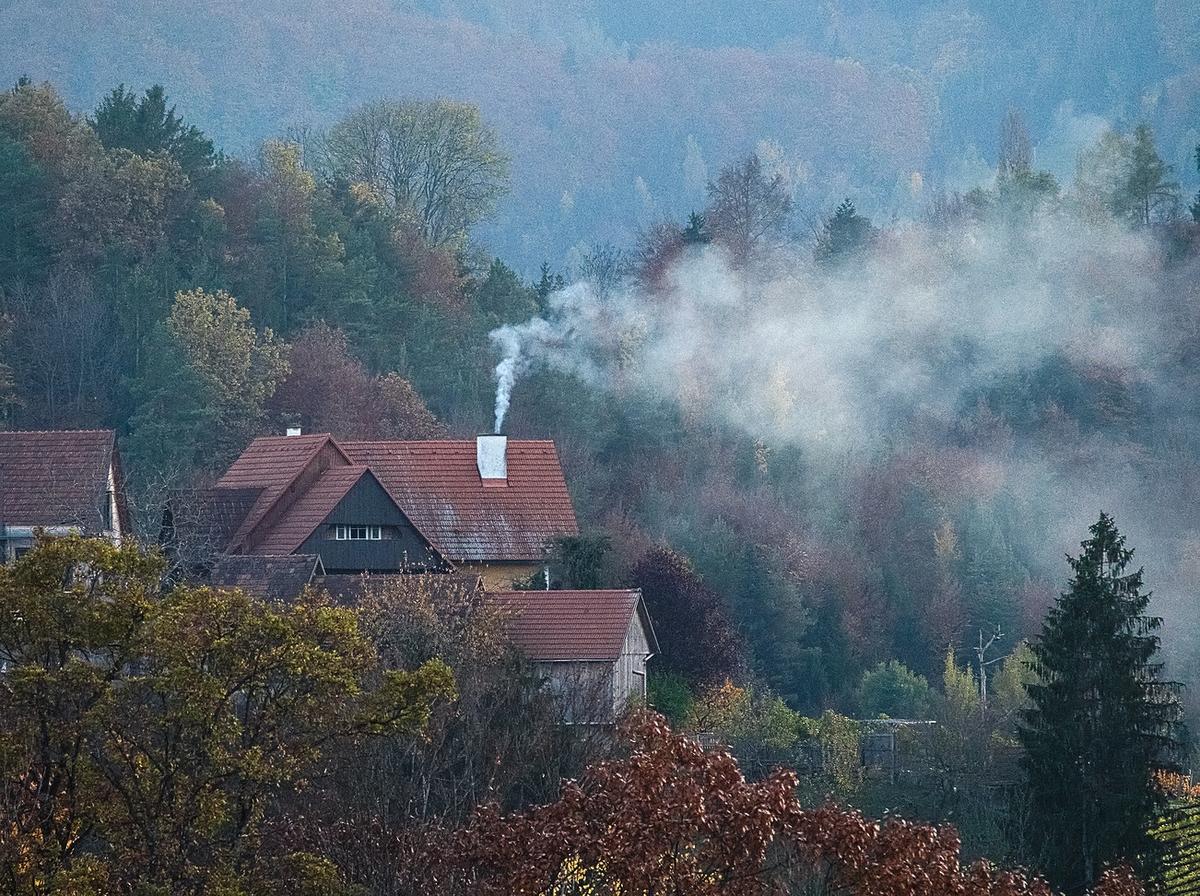
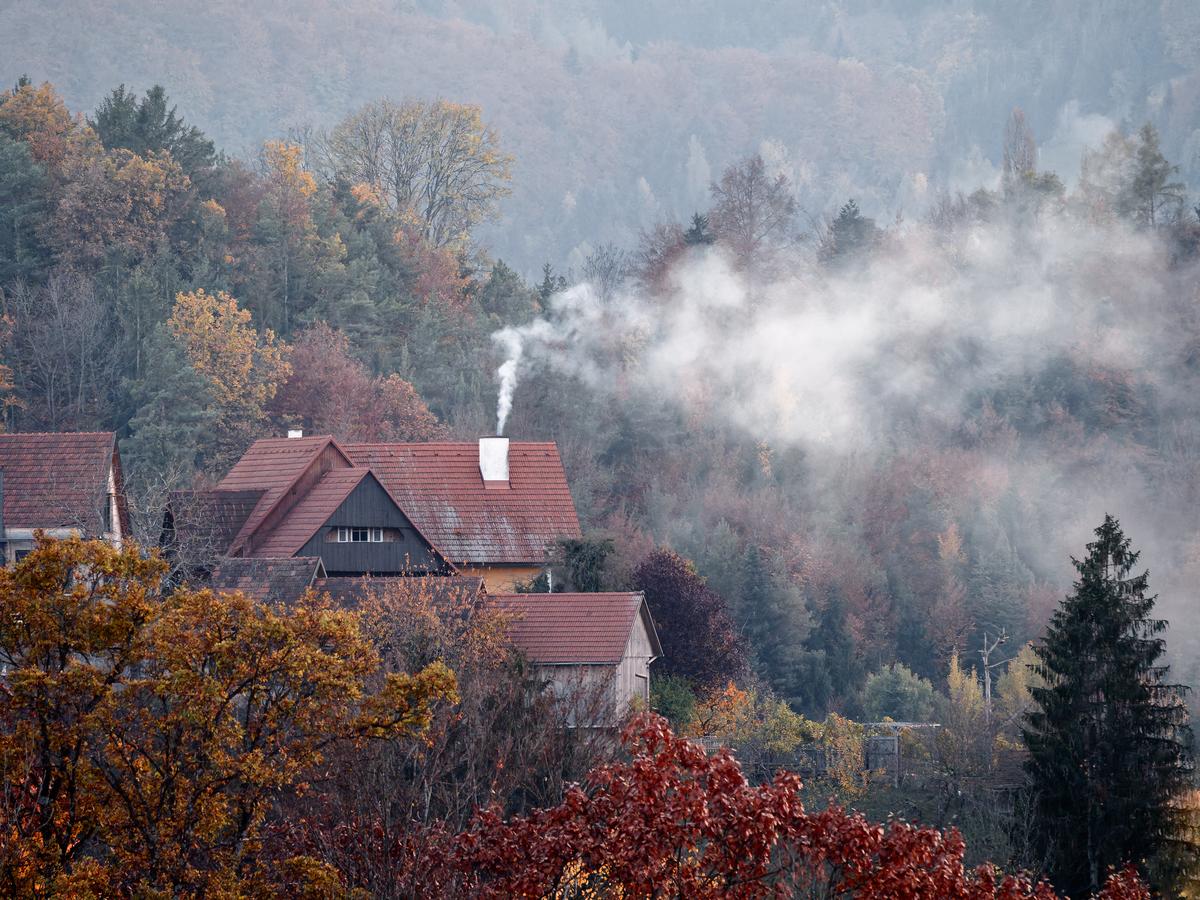
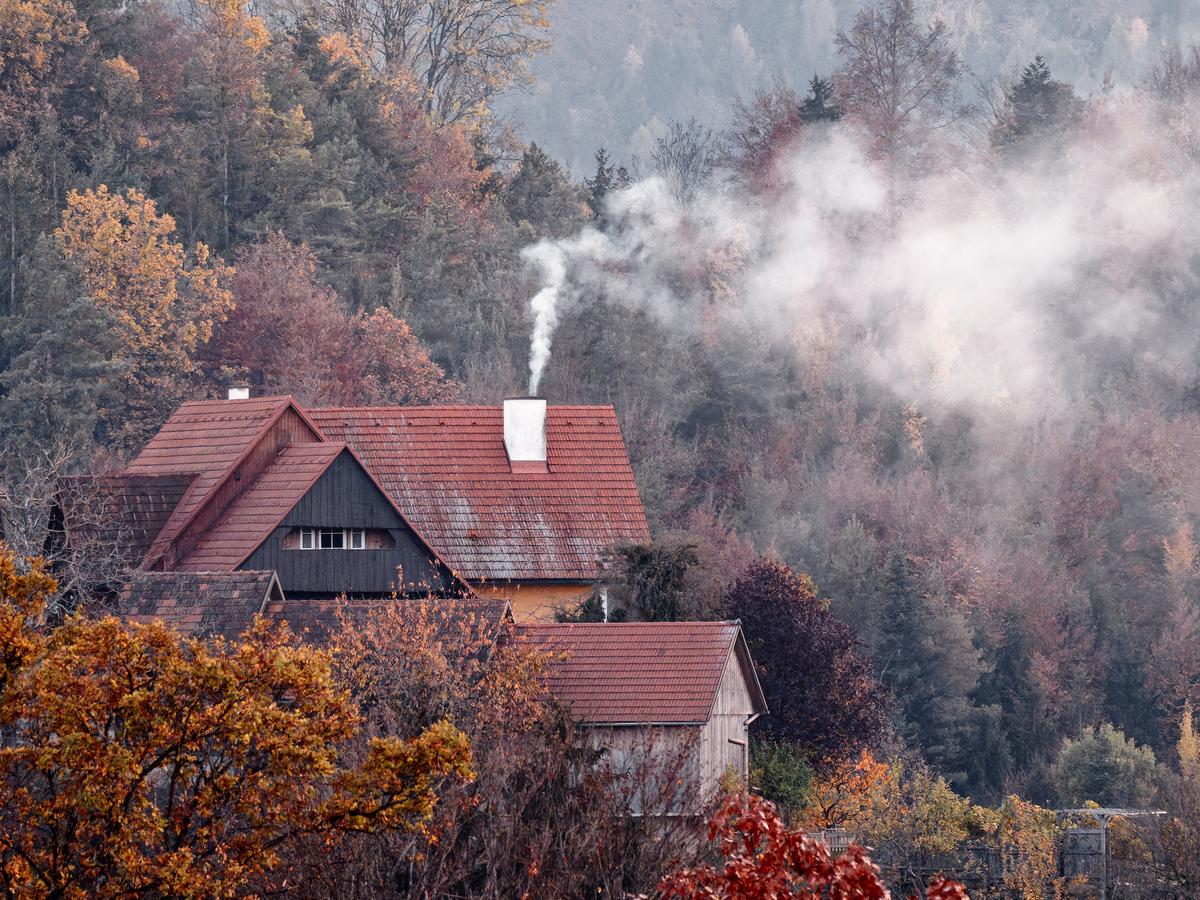
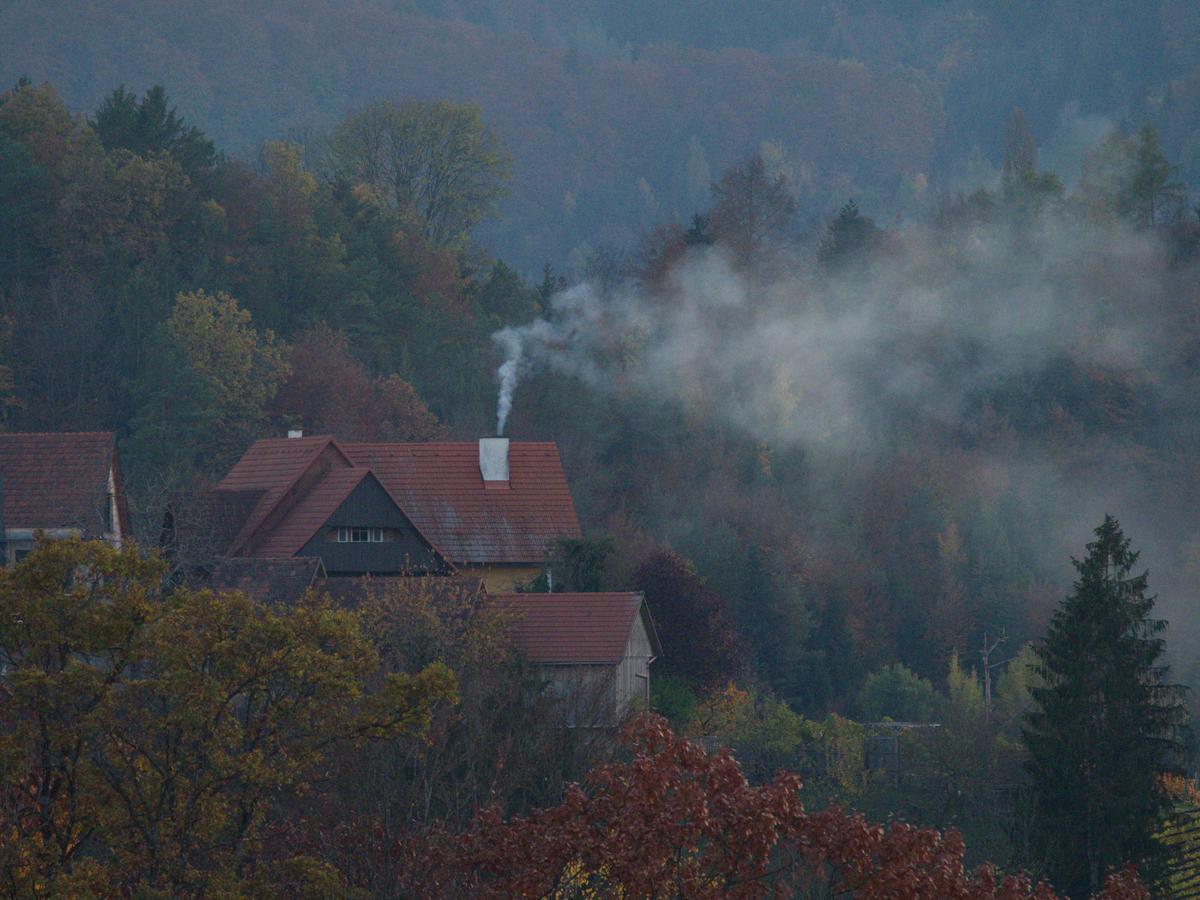
    Oh no, wrong ISO !

    This photo was taken in November 2020 during a visit to the "Südsteiermark" (Southern Styria, Austria)
    We spent a few days just before another Covid-19 Lockdown on a hiking tour, with a competent guide and bird photographer.
    We were trying our luck, under his guidance, to take some photos of the fast winged Black Woodpecker and so I'd set my ISO quite high.
    While waiting, I saw this nice autumn scene with some houses on the edge of the forest and some wood smoke coming out of the chimney.
    Forgetting about my current ISO, I took the shot which led to this very noisy underexposed image!
    Just goes to show that at 1/2000s you don't get much light hitting the sensor ;-)

    So, who can remove the noise best, and yet keep, or even enhance the detail?
    Maybe this is a case to let AI help ?
    And what else is possible ?
    Looking forward to your edits.

    Here's the jpg
    PB020165 - orignal d.JPG

    And the RAW file can be found here

    PB020165 - orignal d.JPG

    JPG, 9.9 MB, uploaded by Fireplace33 on March 29, 2026.

  • March 29, 2026, 11:42 a.m.

    1st try. Pull the raw into Lightroom, apply denoise and sharpening. Then adjust the colours to give it some vibrance.

    PB020165 - orignal-1_Superlarge.jpg

    PB020165 - orignal-1_Superlarge.jpg

    JPG, 5.7 MB, uploaded by AlanSh on March 29, 2026.

  • March 29, 2026, 11:43 a.m.

    2nd Try. I've been given a copy of Aiairy Image Enhancer to play with. So, use that to remove the noise, export it as TIFF, import it into LR and then apply an 'artistic' profile to make it look 'oldy worldy'.

    PB020165 - orignal_MoreDetail-v3_x1_5184x3888_2pass_MoreDetail-v3-1_Superlarge.jpg

  • March 29, 2026, 12:26 p.m.

    editme63_DxO.jpg

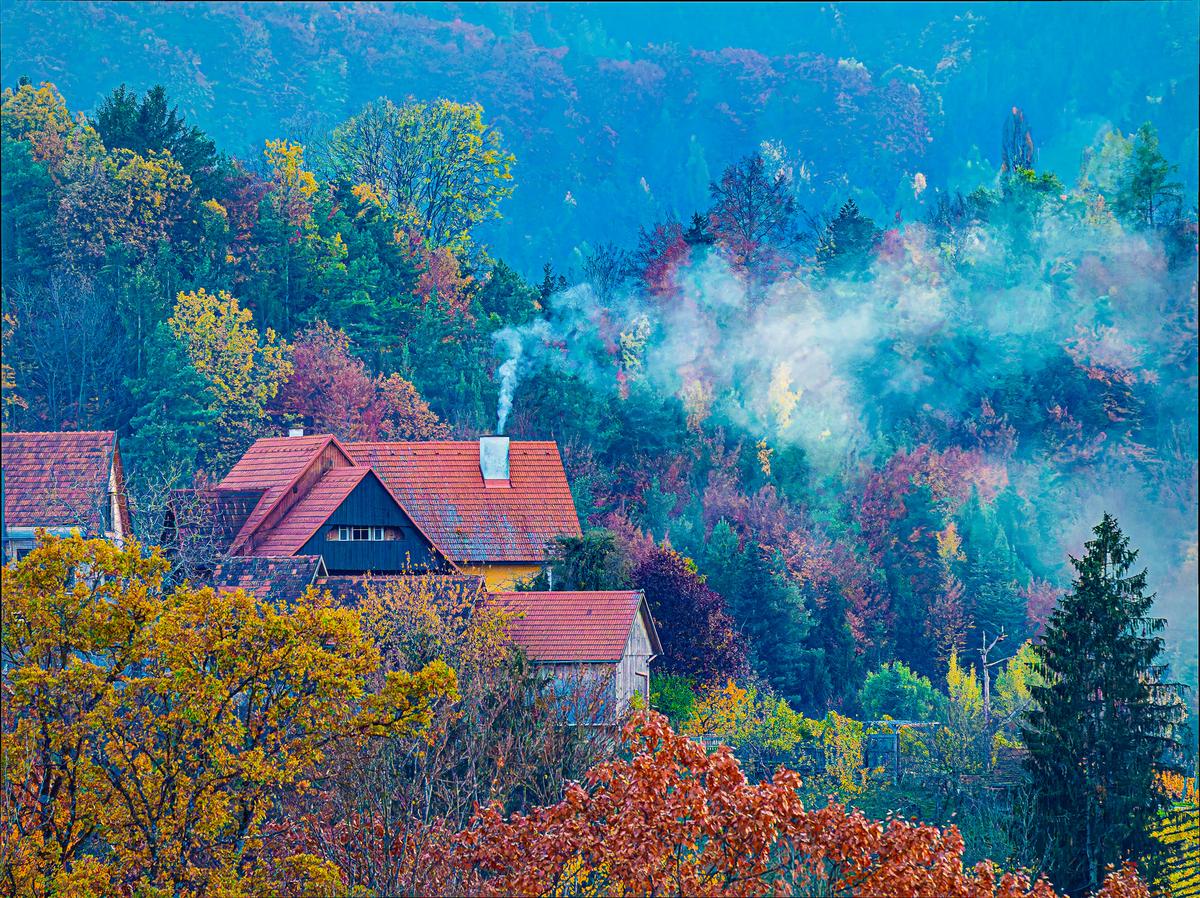
    DXO PL9, Ektachrome-ish rendering, dynamic, curves, noise removal.
    This is just the first try, even no cropping applied :)

    editme63_DxO.jpg

    JPG, 2.3 MB, uploaded by ArvoJ on March 29, 2026.

  • Members 921 posts
    March 29, 2026, 2:22 p.m.

    Edited in LrC + PureRaw 6 plug-in. In LrC used Adobe Adoptive Color profile and Clarity and Vibrance.

    PB020165 - edit 1.jpg

    PB020165 - edit 1.jpg

    JPG, 1.8 MB, uploaded by Sagittarius on March 29, 2026.

  • Members 1440 posts
    March 29, 2026, 3:28 p.m.
    insert_drive_file
    PB020165 - RT-1.PP3.txt

    Text, 12.2 KB, uploaded by xpatUSA on March 29, 2026.

    PB020165 - RT-1.jpg

    JPG, 1.1 MB, uploaded by xpatUSA on March 29, 2026.

  • Members 921 posts
    March 29, 2026, 3:40 p.m.

    Increased saturation and dehaze.

    PB020165 - edit 2.jpg

    PB020165 - edit 2.jpg

    JPG, 2.7 MB, uploaded by Sagittarius on March 29, 2026.

  • Members 921 posts
    March 29, 2026, 3:48 p.m.

    Changed white balance
    PB020165 - edit 3.jpg

    PB020165 - edit 3.jpg

    JPG, 2.5 MB, uploaded by Sagittarius on March 29, 2026.

  • Members 879 posts
    March 29, 2026, 5:53 p.m.

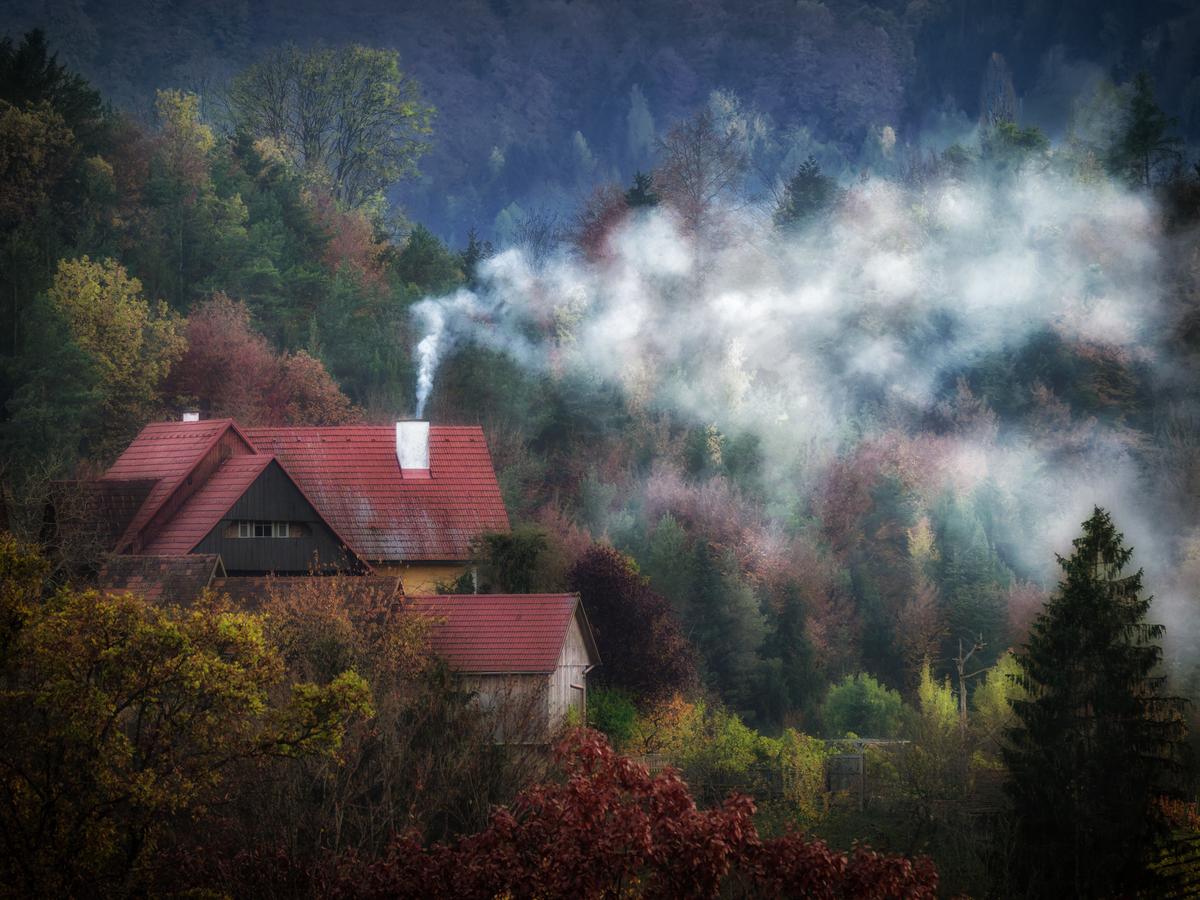
    DXO noise reduction and other adjustments, then Nik Analog Efex. Also cropped, as original image seems to be unbalanced to me.
    The scenery is great, instead of going to maximum details or natural the more painterly look seems to be in order.

    PB020165 - orignal_Nik-1_DxO.jpg

    PB020165 - orignal_Nik-1_DxO.jpg

    JPG, 2.0 MB, uploaded by Vahur on March 29, 2026.

  • Members 879 posts
    March 29, 2026, 6:47 p.m.

    Colourful
    DXO noise reduction, crop, basic adjustments and Nik Color Efex various filters this time

    PB020165 - orignal_Nik-2_DxO.jpg

    PB020165 - orignal_Nik-2_DxO.jpg

    JPG, 1.8 MB, uploaded by Vahur on March 29, 2026.

  • Members 424 posts
    March 30, 2026, 8:09 a.m.

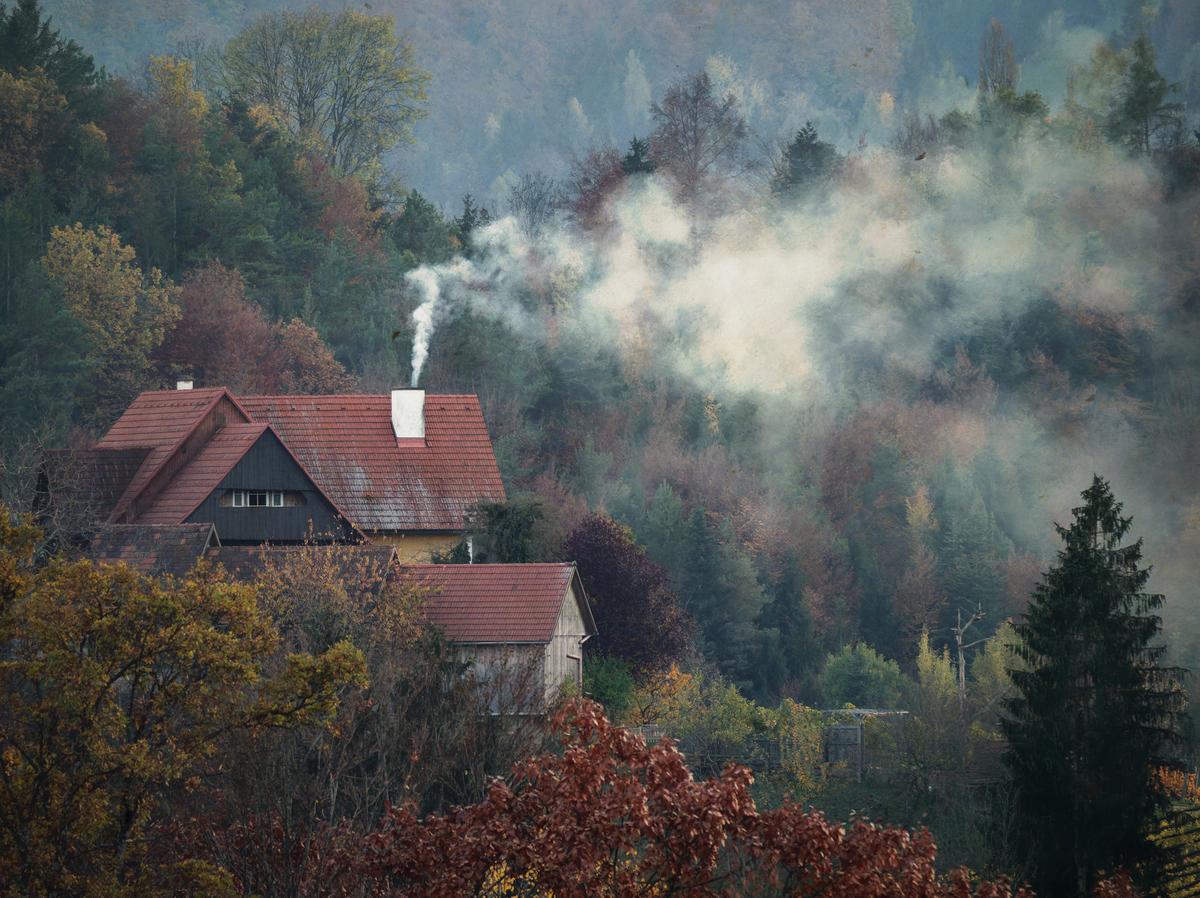
    This is my try.

    PB020165-orignal-Enhanced.jpg

    PB020165-orignal-Enhanced.jpg

    JPG, 2.8 MB, uploaded by 3DGunner on March 30, 2026.

  • March 30, 2026, 6:58 p.m.

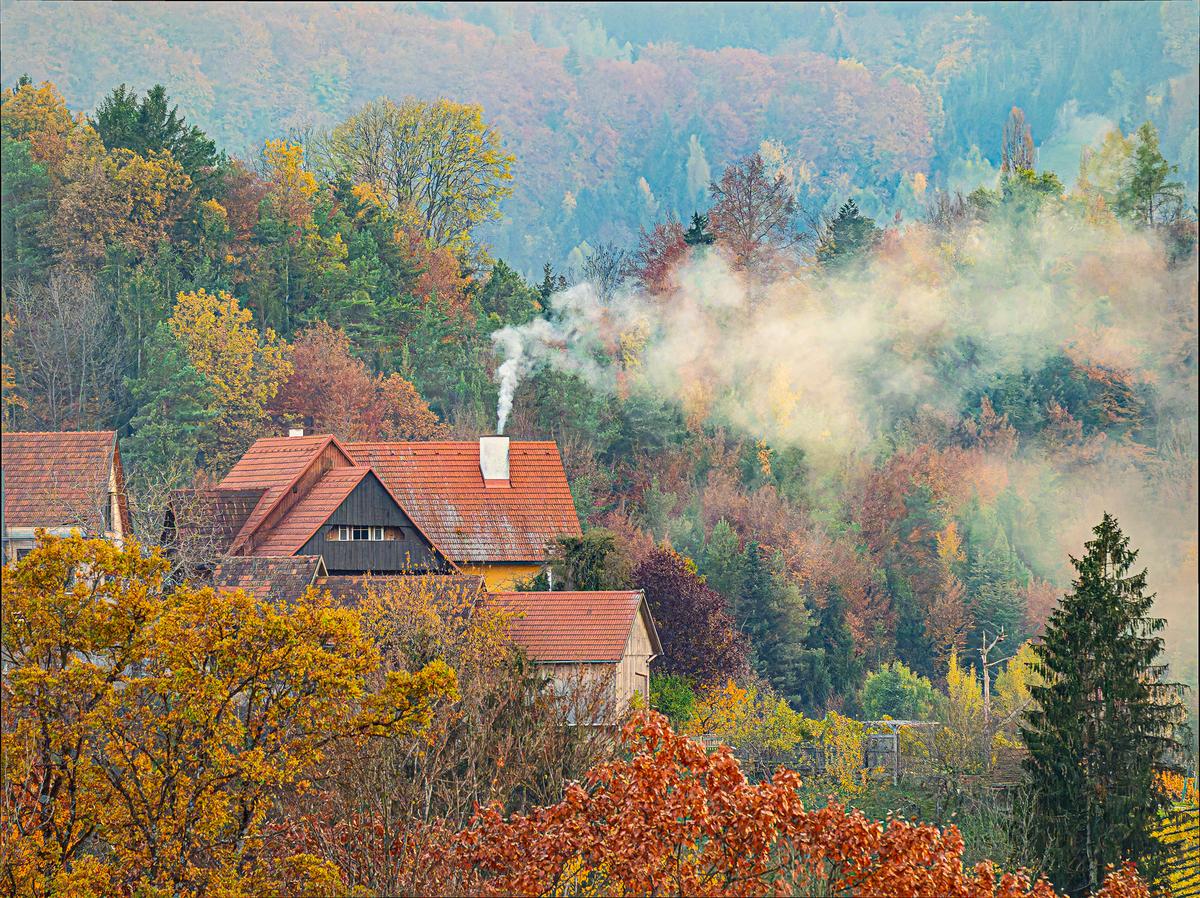
    Try 2, attempt to preserve nice layered look and to bring fall colors out (and remove cyan hue - there should be none in such scene)

    editme63_DxO_2.jpg

    DXO PL9, Ektachrome-ish rendering, more exposure curves adjustments, local colors and clarity changes, removed minor distractions, slight vignette, no crop :)

    About noise removal: DXO PL9 internal noise reduction "DeepPPRIME XD3" model, automatic settings + Force detail +30.

    editme63_DxO_2.jpg

    JPG, 2.7 MB, uploaded by ArvoJ on March 30, 2026.

  • Members 2007 posts
    April 1, 2026, 9:42 a.m.

    So far, so good 😀

    We've had some great entries so far, (both technical and artistic) and there's still time enough for you to add your edit.
    I find it fascinating how modern software can deal with such noise issues.

    Please be sure to add the name of the editing/noise reduction software that you used to process the image.
    I'd like to invest in some better noise reduction software and I'm getting some pretty good ideas here on what works.

    It's amazing how noise can be removed without smudging all the detail away, and in some cases here, it even appears as if the software (in your hands) has found more detail than the original 😎

    Best regards
    Trevor

  • Members 879 posts
    April 1, 2026, 3:06 p.m.

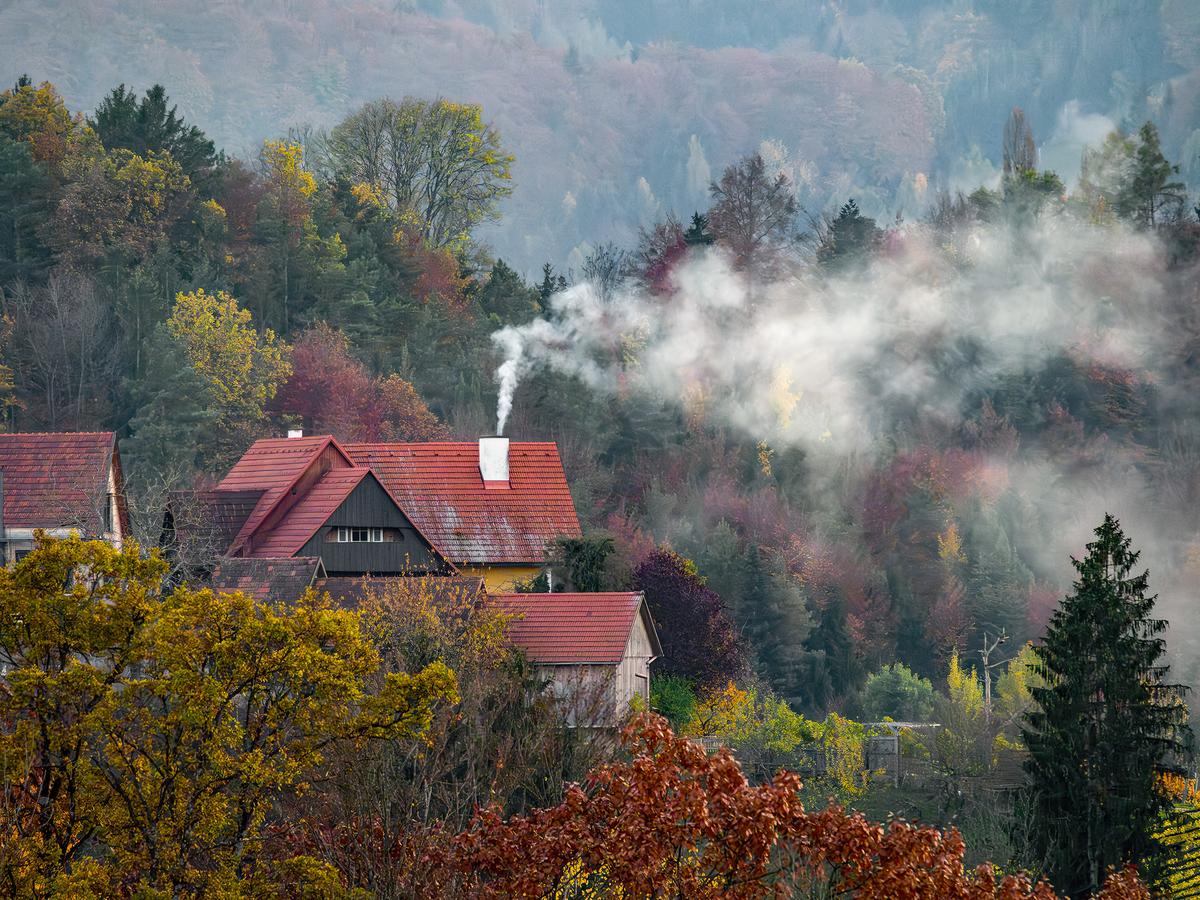
    3rd try

    In this case I went for maximum "details" by applying multiple Nik Color Efex filters:
    Polarization
    sunlight
    contrast colour range (for green colour discrimination)
    detail extractor
    film efex: modern, fuji superia 100 (for final colour punch)

    PB020165 - orignal_Nik-3_DxO.jpg

    PB020165 - orignal_Nik-3_DxO.jpg

    JPG, 2.5 MB, uploaded by Vahur on April 1, 2026.

  • April 1, 2026, 8:06 p.m.

    Noise vs details

    As asked, few words about noise removal. In this edit I specifically decreased noise suppression amount (40 -> 35), disabled dead pixels (= too different pixels) (24 -> 0) detection and increased details (0 -> 50). (x -> y) means changing default x to value y, all scales are from 0 to 100 - what they mean exactly, is not known to me.
    Also I didn't lower resolution (usually I make images smaller to conserve upload space) - it is much easier to pixel-peep results this way.
    As you'll can see, there is some residual noise left - but details esp in greener areas are much more preserved. Of course at viewing size this does not make big difference, at least not in my even not 4K screen - but we as internet photogs like looking at pixels ;)

    editme63_DxO_4.jpg

    DXO PL9 Ektachrome rendering, multiple color adjustments, curves, clarity, crop and noise removal

    editme63_DxO_4.jpg

    JPG, 6.2 MB, uploaded by ArvoJ on April 1, 2026.

  • Members 2007 posts
    April 4, 2026, 8:58 a.m.

    As promised, here is a reminder,...

    Tomorrow (Sunday) is the last day to add an entry with your edit.

    You can vote anytime, Easter Monday is the final day to add in your vote(s)

    Good luck to all participants
    And Easter greetings to all 😃

  • Members 2007 posts
    April 6, 2026, 6:54 a.m.

    Last chance to vote today!

  • Members 2007 posts
    April 7, 2026, 10:02 a.m.

    And the winner is,...

    Drum roll,..........
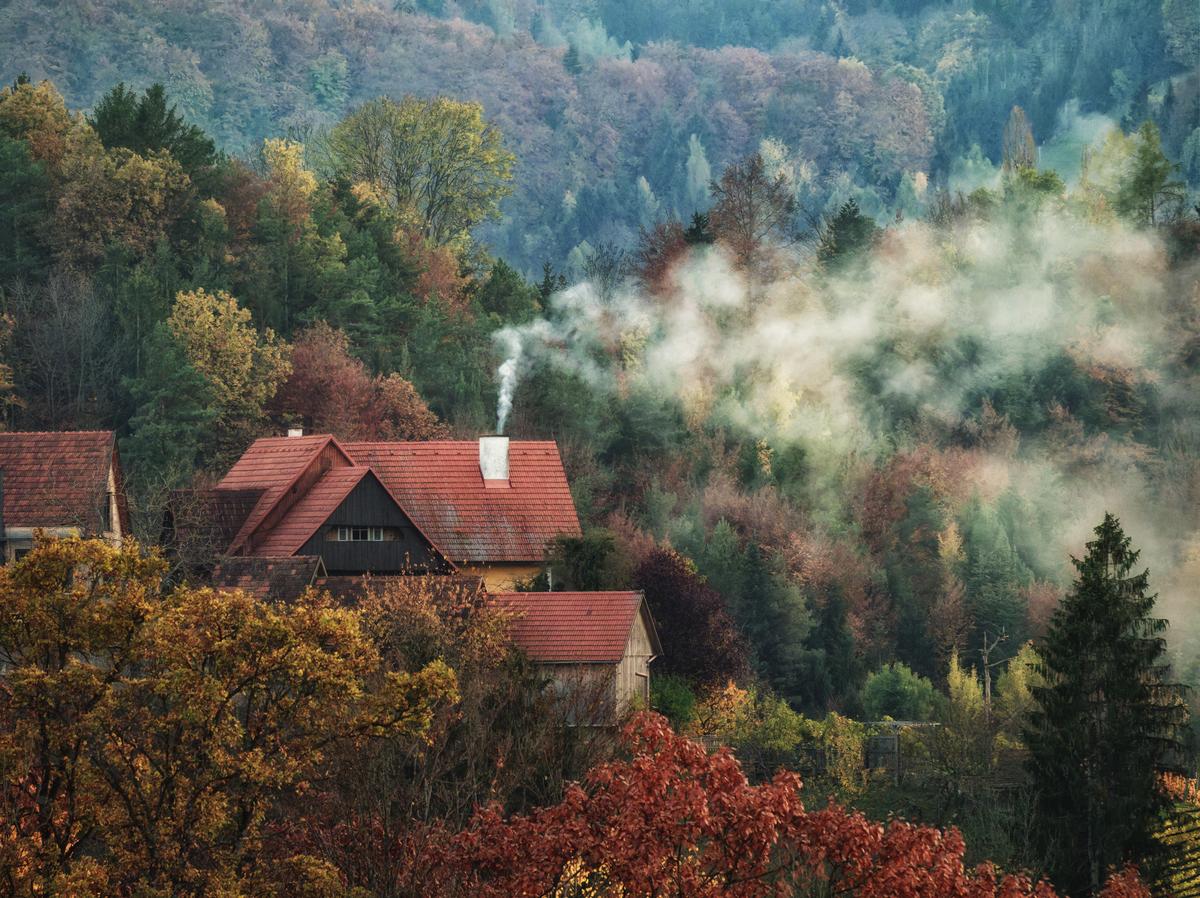
    @3DGunner

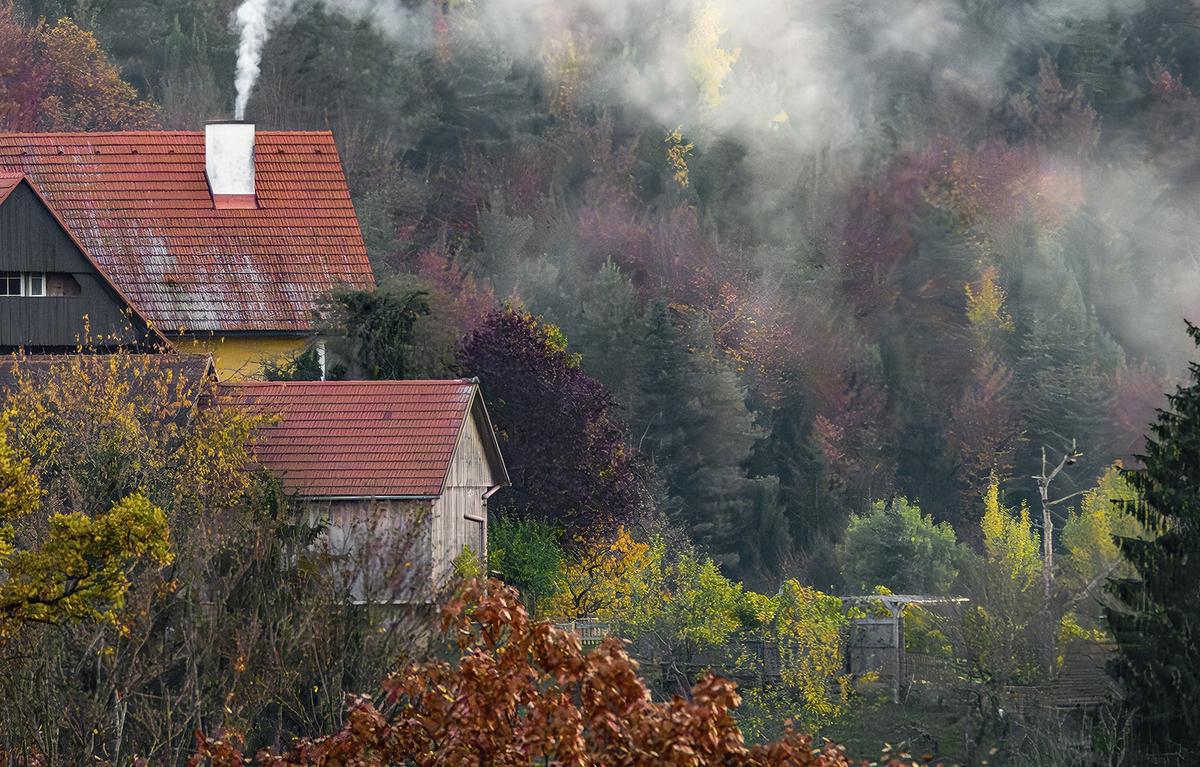
    This was a fantastic edit, well done !

    It's amazing how you have recovered the detail and enhanced it too. The colours have become vibrant and there is no longer any sign of all the luminous & colour noise from my original shot.

    Here is the winning entry

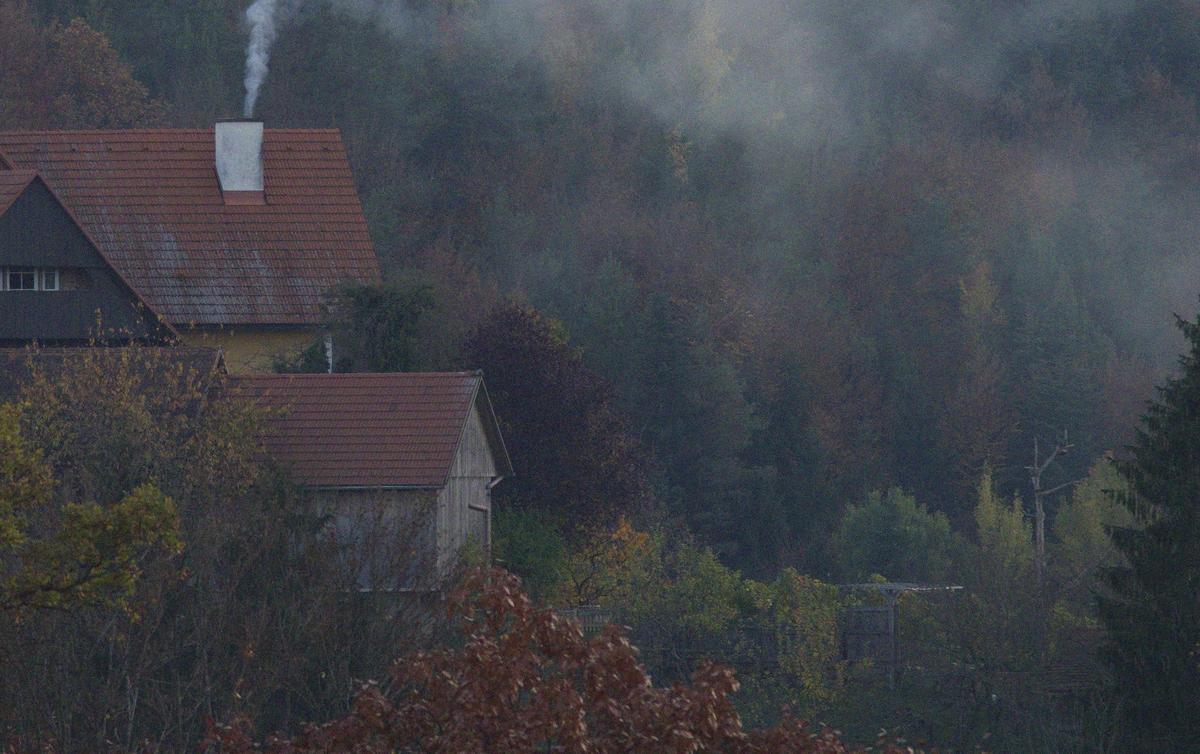
    In my two screenshots below, from your edit compared with my original, you can see, for example, each of the individual, now bright yellow, leaves on the wall by the gate in the fence. And the orange roof tiles are clear, contrasty, sharp and bright while the background trees with the smoke remain soft and dreamy.
    Great!

    crop from original (scaled to 3500 pixels)
    original JPG .jpg

    crop from 3DGunner's winning edit
    3DGunner edit crop.jpg

    It would be great if you can let us know how you managed to achieve this result. 😀
    What software did you use and were there some special settings or processes applied ?
    As mentioned, I'd like to add a new tool for dealing with noise and detail to my editing possibilities.
    So it seems like this would be a good place to start looking.

    The runner-ups

    The winner was closely followed by @Vahur , Well done.

    And there were a lot of other good entries, which also came close to the top placed entries, Thanks to all the participants!!

    The baton now passes to @3DGunner to post a new "Edit me an image,...." contest

    original JPG .jpg

    JPG, 1.0 MB, uploaded by Fireplace33 on April 7, 2026.

    3DGunner edit crop.jpg

    JPG, 921.8 KB, uploaded by Fireplace33 on April 7, 2026.

  • Members 424 posts
    April 7, 2026, 1:31 p.m.

    Thank you to everyone who appreciated my version.🙂
    For processing I used Adobe Photoshop and Camera Raw plug-in, software that offers all the necessary corrections, including the possibility of noise reduction with AI, but this option is restricted to RAW formats.
    I couldn't tell you exactly what I did for the final solution, because I made several variants and combinations between them. I enjoy having fun editing interesting images.🙂