• Members 228 posts
    April 18, 2026, 7:26 p.m.

    Continuing the image editing thread, 65th issue.

    General rules:

    ♦ Anyone (except author of original image) can edit the presented image, up to three distinct edits in separate posts are permitted.
    ♦ All edits must be based on original image, not on another people's edits (of course borrowing ideas would not be a problem).
    ♦ Short explanations about your editing intentions and/or techniques are encouraged, but not required.

    Once the deadline for images has been reached, no new image versions will be accepted. Questions and (polite) discussions of techniques are welcome, so that we can learn from one another how certain edits were achieved.
    The edited version gathering most likes wins and its author will start next round, unless they would prefer to pass the torch to someone else.
    On the closing day for voting, if there is a draw in the number of likes for two or more edits, then the person that posted the original image will decide the winner from the the photos receiving the most votes.

    Editing rules:

    ♦ All "normal" adjustments (brightness, colours, curves etc) are permitted (both local and global ones).
    ♦ All geometric adjustments (perspective, cropping etc) are permitted.
    ♦ Artistic effects (brushes, textures etc) are allowed.
    ♦ No additions or replacements may be made to the main subject matter of the image; non-essential objects may be removed, and parts of the original image can be "moved" to a different position in the image.
    ♦ Generative AI must not be used.

    Timing:
    Get your images posted by April 23rd. As always, you can vote during the entire contest plus one day after the image submission deadline.

    The photo:

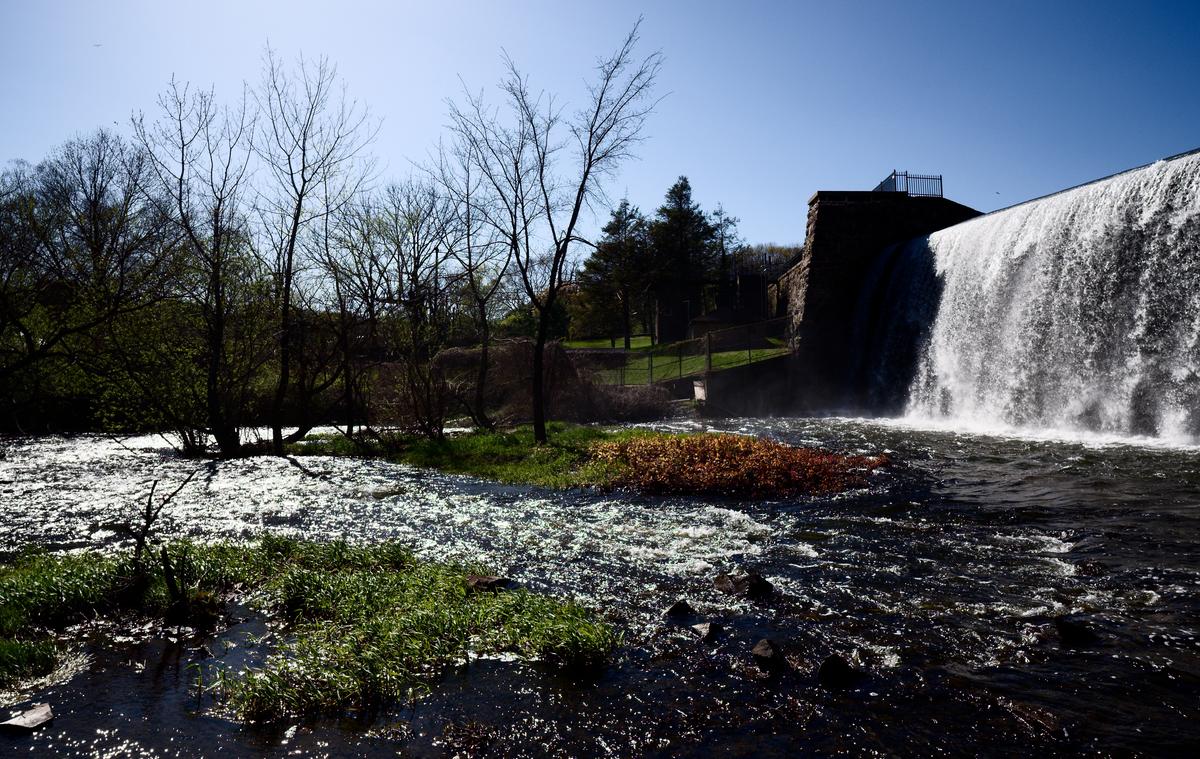
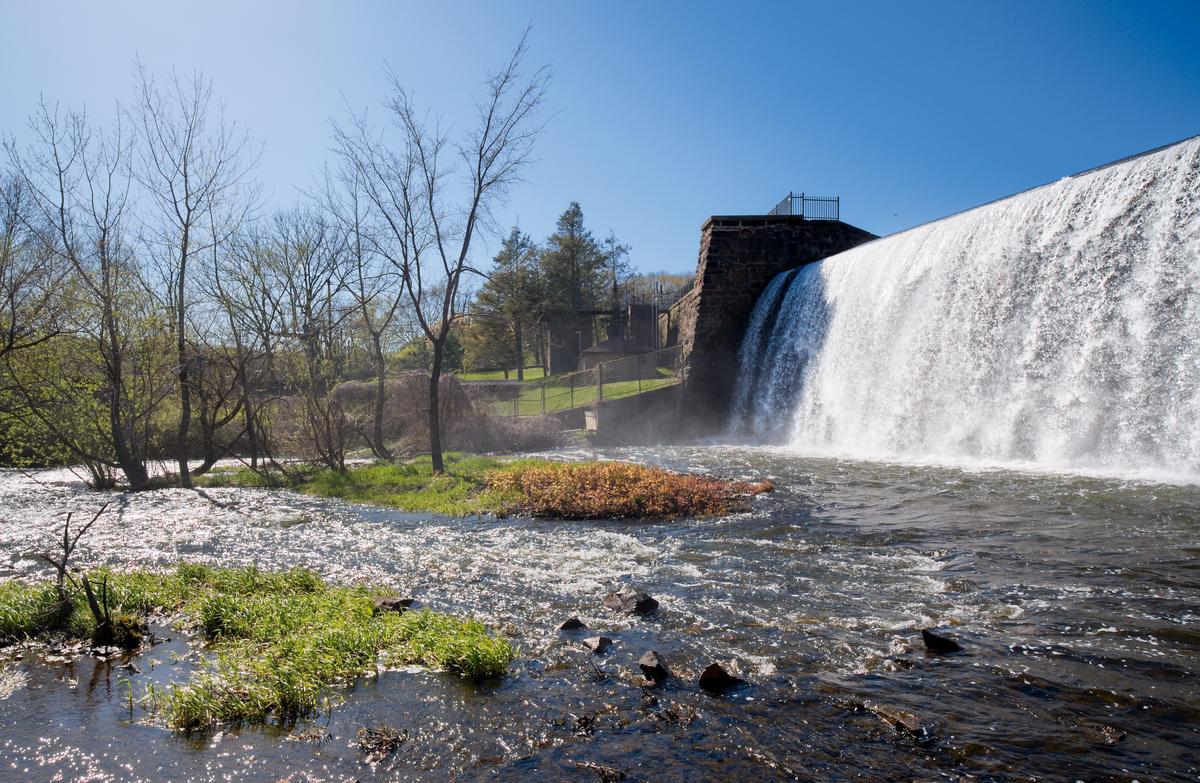
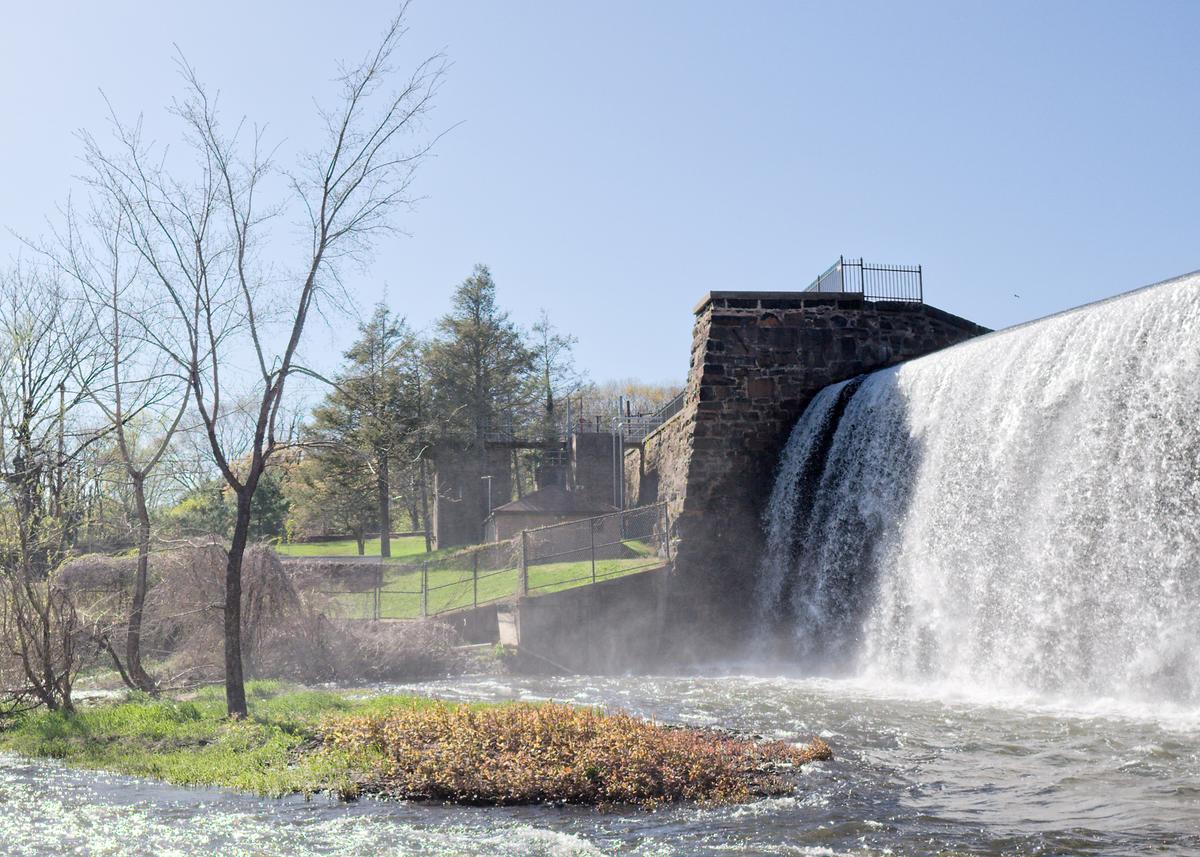
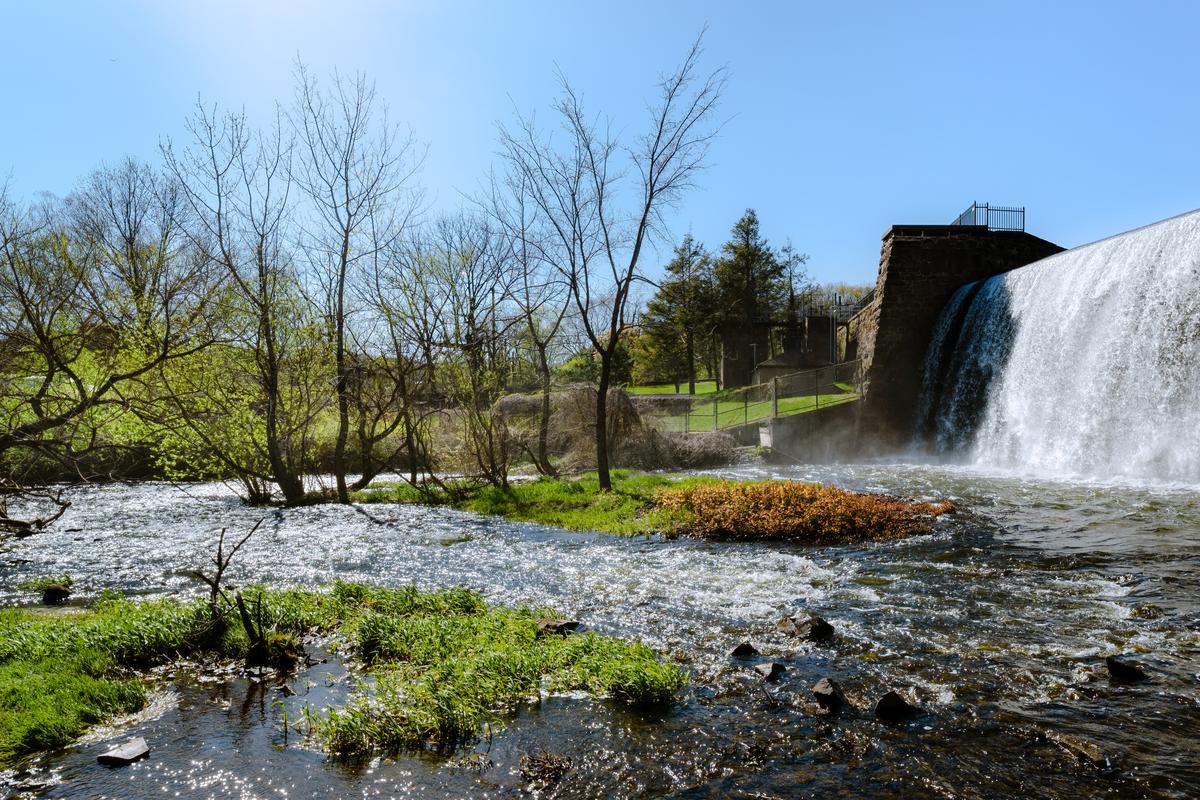
    Just testing a new lens (at the time) in a ridiculously high dynamic range scene (your naked eyes would fry looking at it for more than a second or two - really bright). The original scene was significantly more colorful and dynamic looking than what you see in the jpeg. The important highlights are intact in the RAW file.

    Here's the jpeg:

    [T20S7108-IridientEdit-2.jpg]
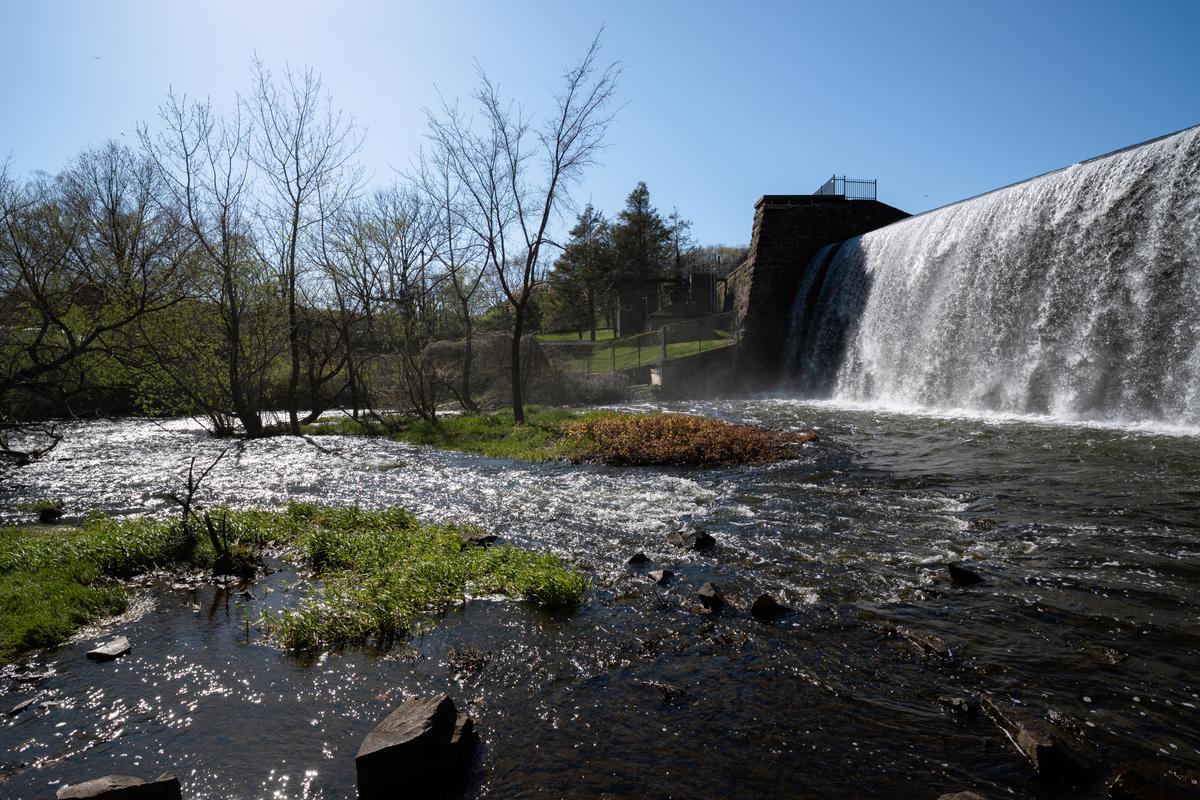
    (/a/Ese3Ubjv90etDZIn3swlCif7BpnNguXcWXzL4CjMtIyEKGUBdWmaojphrqRjhUh1/41899/?shva=1)

    And a link to the RAW:
    www.dropbox.com/t/C65yVfzKdIKh0dKE

    T20S7108-IridientEdit-2.jpg

    JPG, 18.9 MB, uploaded by ErikWithaK on April 18, 2026.

  • April 18, 2026, 9:46 p.m.

    editme65_DxO.jpg

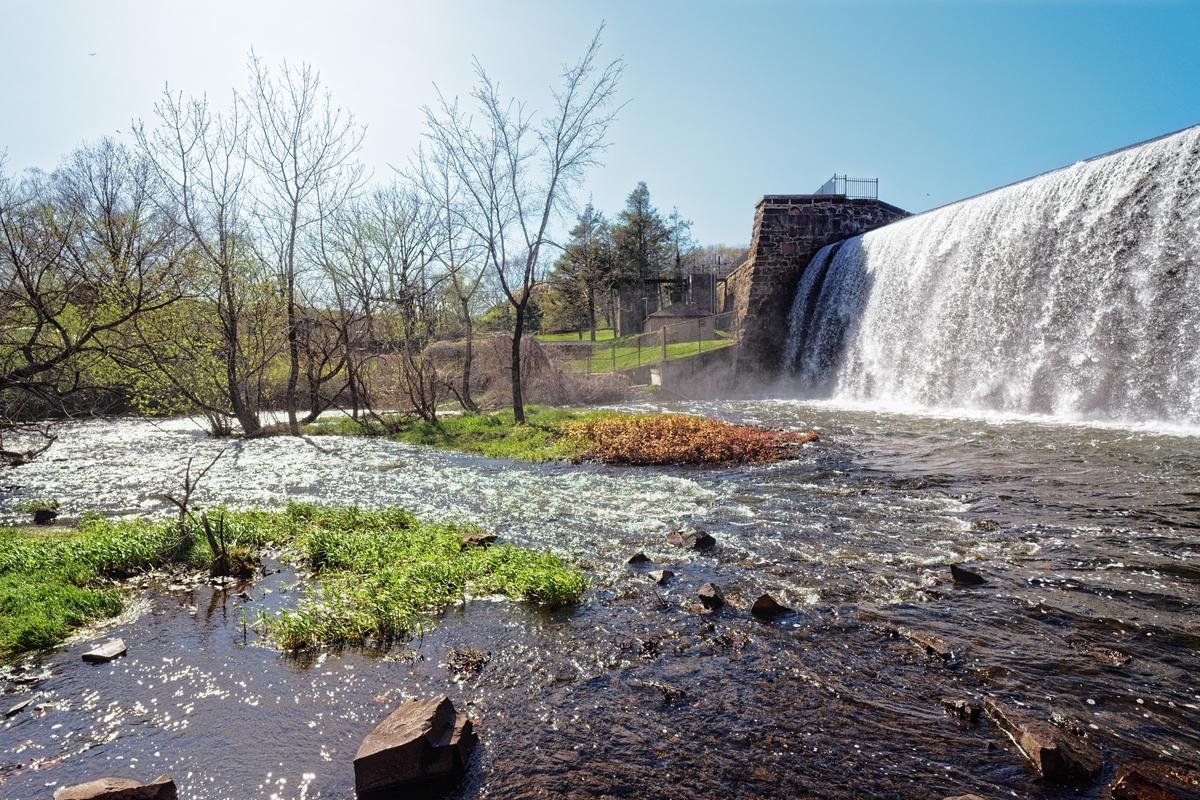
    DXO PL9, contrast upped, some local brightening, crop. Just one for the start :)

    editme65_DxO.jpg

    JPG, 3.5 MB, uploaded by ArvoJ on April 18, 2026.

  • April 18, 2026, 9:50 p.m.

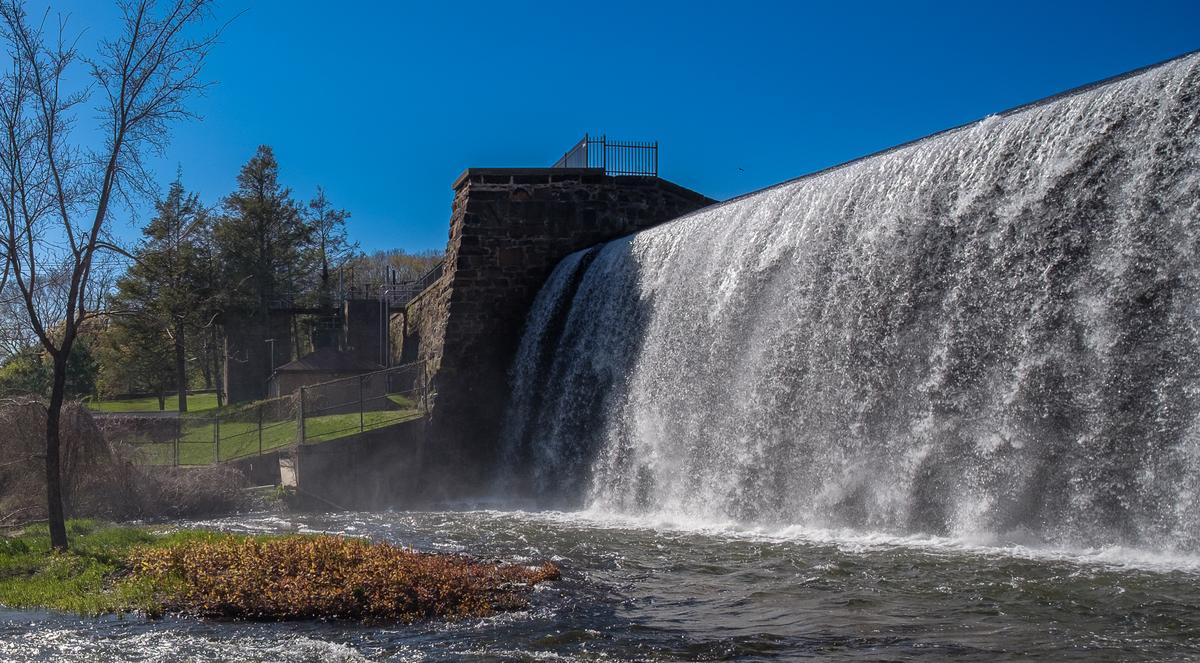
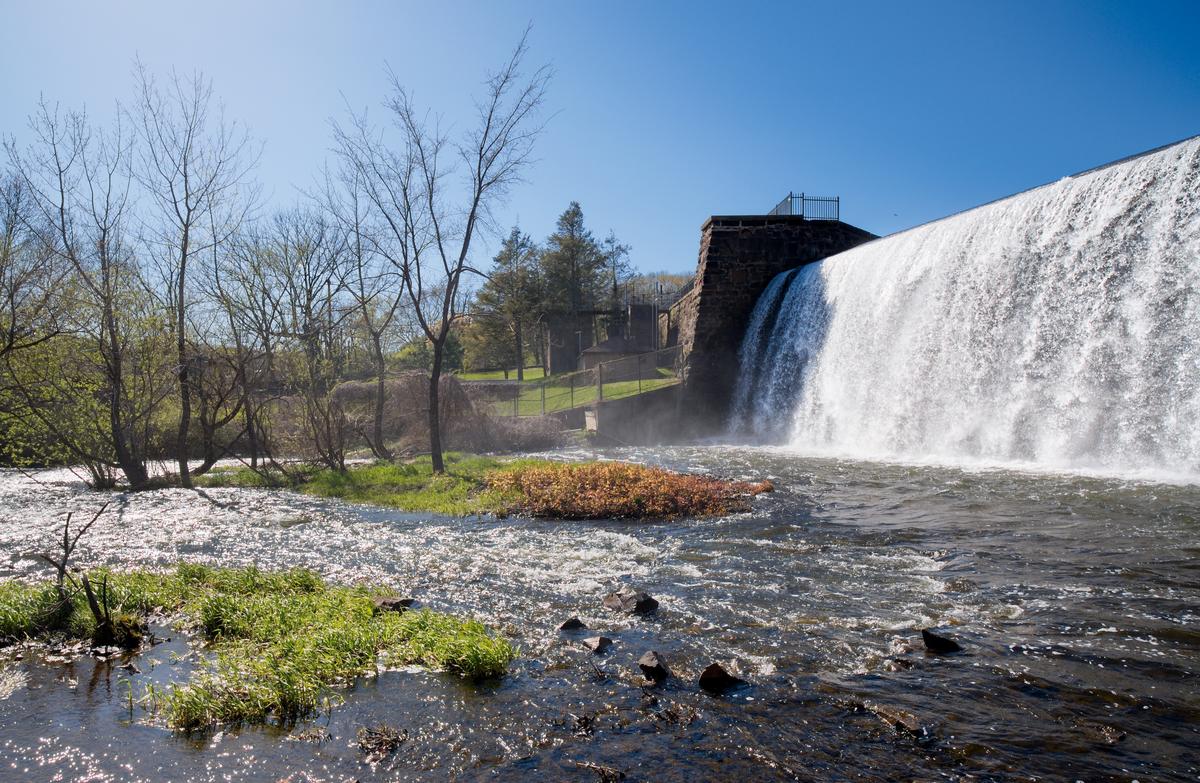
    I made the sky more blue - turned down the highlights a tad and then cropped it so that the waterfall was dominant. Then upped the shadows a bit.

    T20S7108-1-2.jpg

    T20S7108-1-2.jpg

    JPG, 6.1 MB, uploaded by AlanSh on April 18, 2026.

  • April 20, 2026, 4:40 p.m.

    Very poor showing so far. Come on guys (and gals) - give it a go ...

    Alan

  • Members 2058 posts
    April 20, 2026, 4:58 p.m.

    Nice image !!
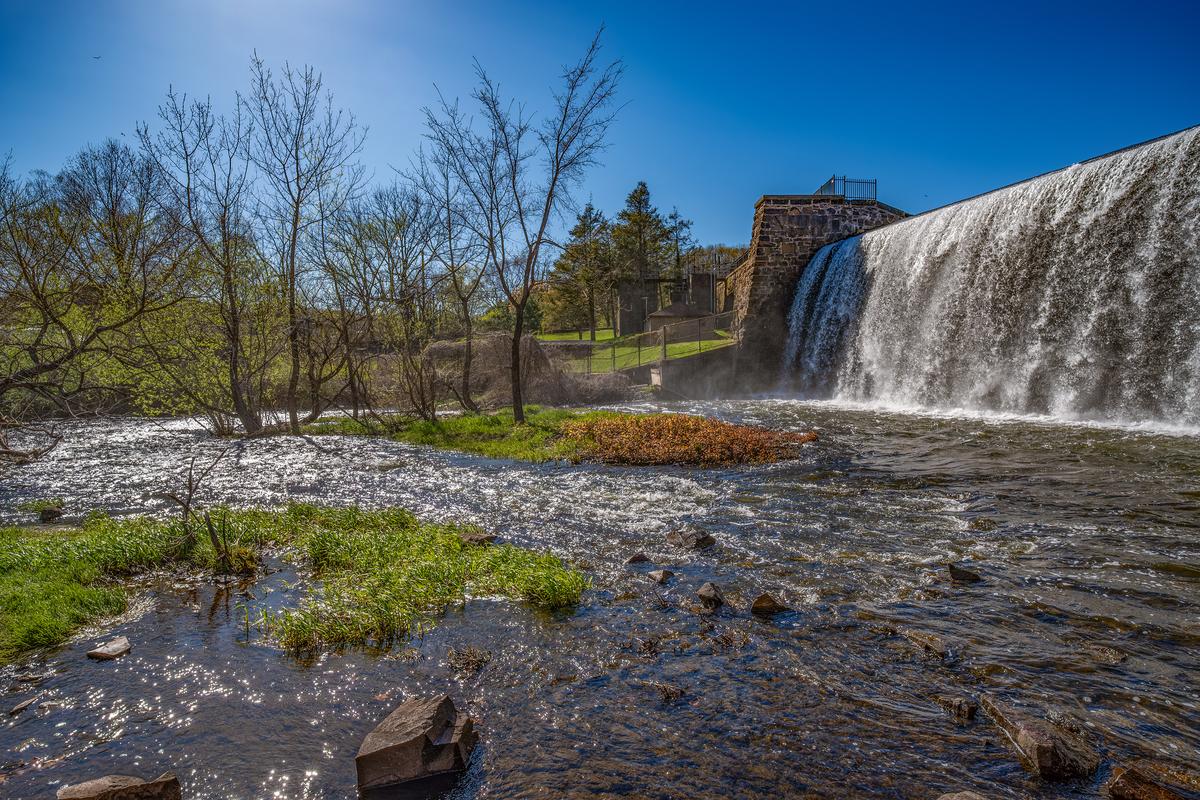
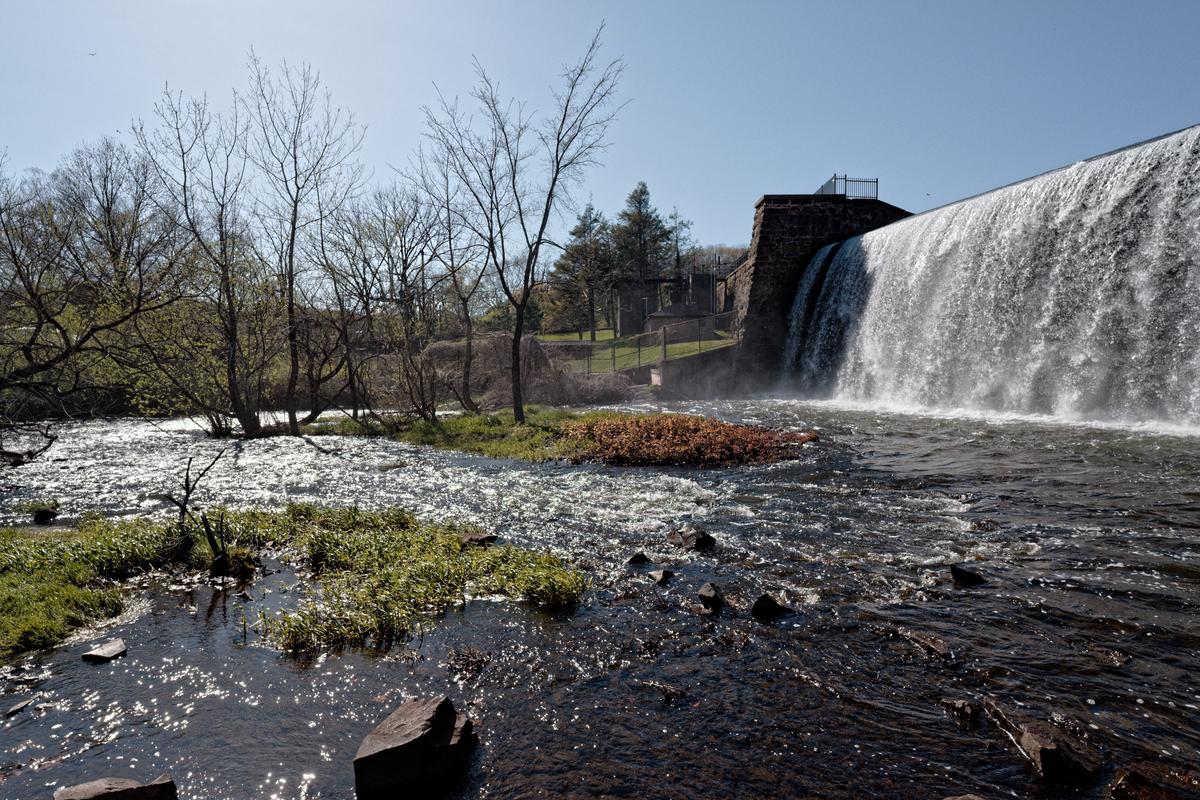
    Here's an edit from the RAW to show the great dynamic in that original scene.
    Also corrected some pink colour fringing in the high contrast speckle on the water's surface.

    T20S7108 d.JPG

    T20S7108 d.JPG

    JPG, 8.2 MB, uploaded by Fireplace33 on April 20, 2026.

  • Members 429 posts
    April 20, 2026, 5:12 p.m.

    The image demonstrates that you have a very good camera, the optics used are also very good, as is the location chosen for testing.👍😀

    T20S7108-Enhanced-m2.jpg

    T20S7108-Enhanced-m2.jpg

    JPG, 3.1 MB, uploaded by 3DGunner on April 20, 2026.

  • Members 1464 posts
    April 20, 2026, 5:18 p.m.

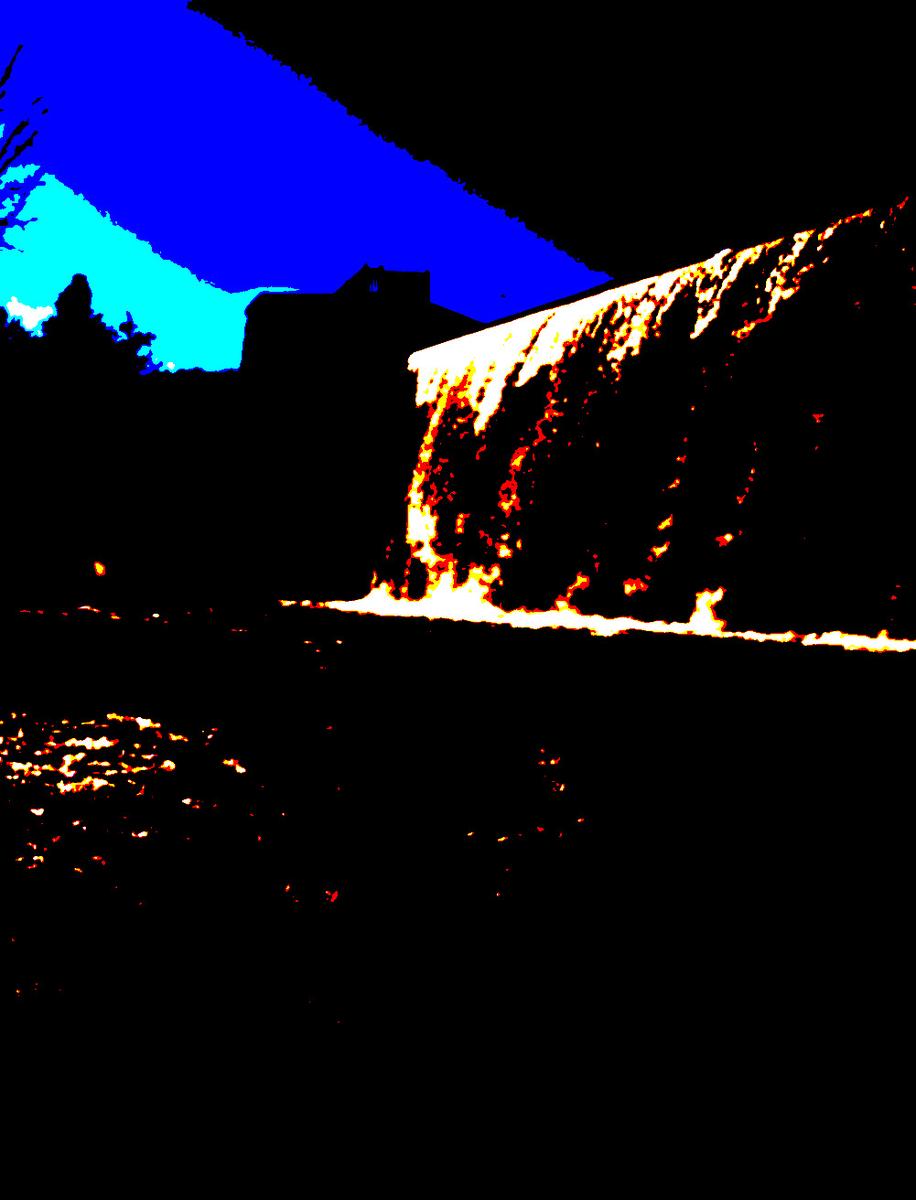
    Excuuuse us ...

    T20S7108-RGB.jpg

    T20S7108-RGB.jpg

    JPG, 192.0 KB, uploaded by xpatUSA on April 20, 2026.

  • Members 24 posts
    April 20, 2026, 6:11 p.m.

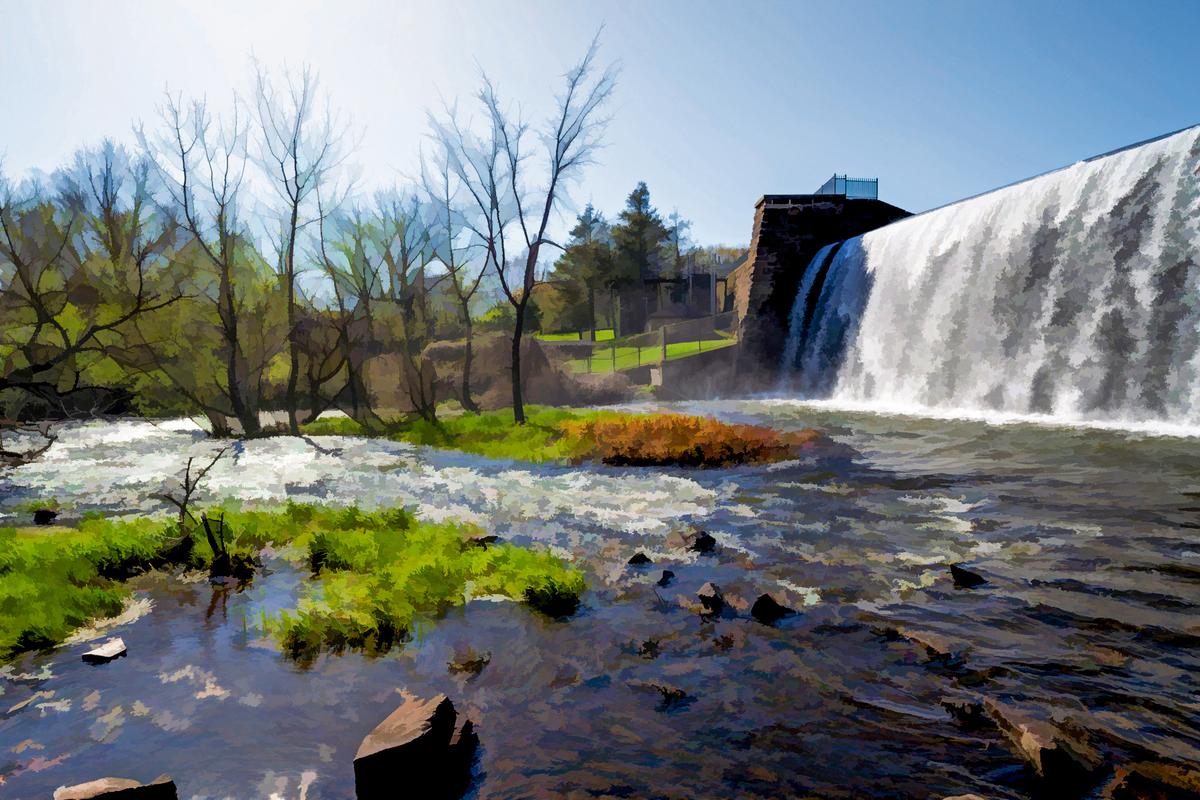
    Topaz Buzsim + other adjustments

    T20S7108ch1.jpg

    T20S7108ch1.jpg

    JPG, 2.5 MB, uploaded by Stormyboy on April 20, 2026.

  • April 20, 2026, 6:40 p.m.

    Light

    editme65_DxO_1.jpg

    DXO PL9 Vivid rendering, contrast down, exposure up, curves, black point adjustment, multiple local exposure, vibrancy and clarity adjustments, geometry, crop

    editme65_DxO_1.jpg

    JPG, 1.1 MB, uploaded by ArvoJ on April 20, 2026.

  • Members 907 posts
    April 21, 2026, 8:23 p.m.

    My attempt
    DXO and Nik Color Efex filters

    T20S7108_Nik_DxO.jpg

    T20S7108_Nik_DxO.jpg

    JPG, 12.1 MB, uploaded by Vahur on April 21, 2026.

  • Members 907 posts
    April 21, 2026, 8:29 p.m.

    Second attempt

    Testing DXO Film pack, this is from Fuji Superia Reala 100 rendering
    T20S7108_DxO.jpg

    T20S7108_DxO.jpg

    JPG, 10.4 MB, uploaded by Vahur on April 21, 2026.

  • Members 228 posts
    April 23, 2026, 4:14 p.m.

    Today (4/23) is the last day to get your edits posted (by midnight Eastern Standard time in the U.S.). Voting tomorrow (4/24).

  • Members 1464 posts
    April 23, 2026, 4:57 p.m.

    GIMP Filters>Distorts>Shift (after Crop/Resize) - then Color>Brightness/Contrast then Filters>Enhance>USM

    t20s7108- big crop.jpg

    t20s7108- big crop.jpg

    JPG, 161.4 KB, uploaded by xpatUSA on April 23, 2026.

  • Members 228 posts
    April 25, 2026, 4:38 a.m.

    Please, somebody break the tie. Hopefully I won’t have to pick a winner when I get up in the morning…

  • Members 228 posts
    April 25, 2026, 4:07 p.m.

    Congratulations Fireplace33, you win the million bucks! Well, actually, you get to come up with the next image to mess with...

    Very well done. Your edit looks bright and natural and not at all crunchy, which is generally my preference. You also avoided blowing out the sky behind the tree branches (no blue haloes) which is also a big plus. Not the easiest sort of scene to work with, but as the original scene was extraordinarily bright, the resulting image should be as well (IMO), and yours is.

    t20s7108-d.jpg

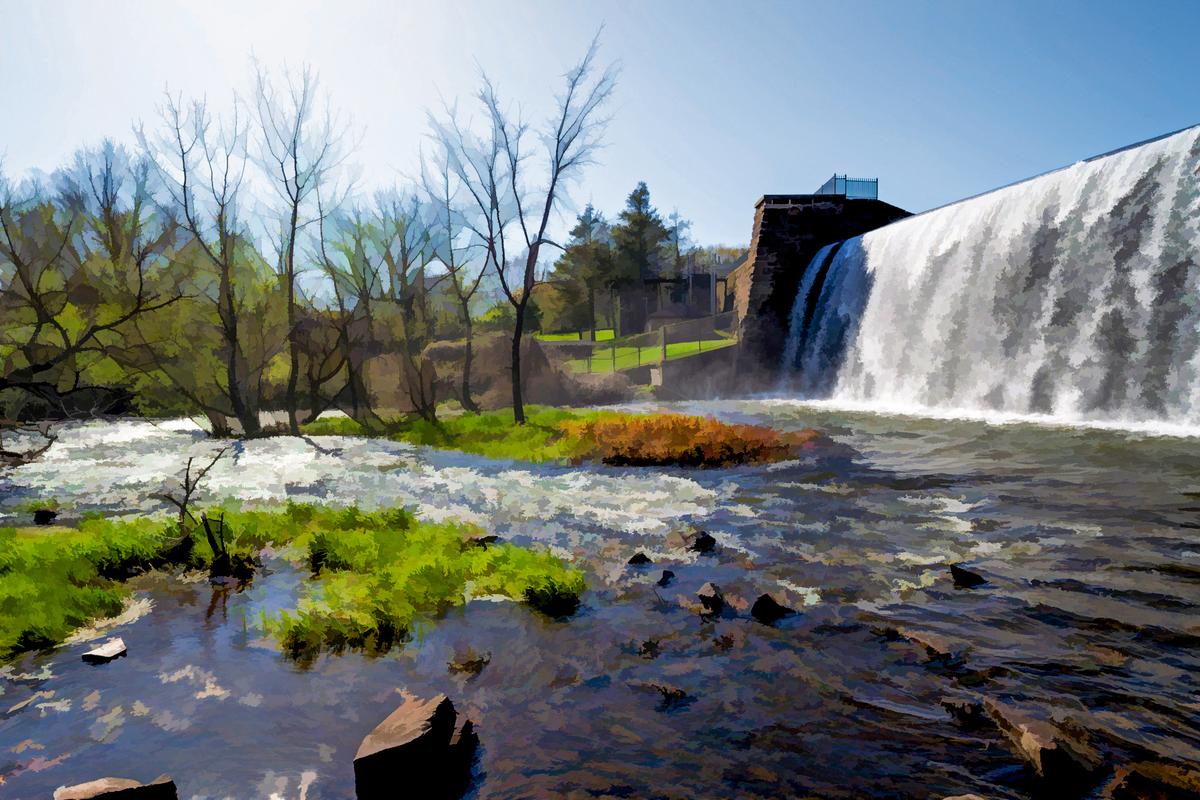
    I also liked Stormyboy's creative rendering - a more dynamic looking effort (and more like the original scene in that respect), but the blue borders around the tree branches are a bit distracting and, well, it's not exactly natural looking.

    t20s7108ch1.jpg

    This is my original edit, dynamically somewhere in between the two, and about as close the original scene as I could manage with a regular SD display. When I eventually get an HDR display, images like this will be the first I'll want to play with using the expanded available highlight brightness.

    T20S7108-IridientEdit edit.jpg

    T20S7108-IridientEdit edit.jpg

    JPG, 11.4 MB, uploaded by ErikWithaK on April 25, 2026.

    t20s7108ch1.jpg

    JPG, 2.5 MB, uploaded by ErikWithaK on April 25, 2026.

    t20s7108-d.jpg

    JPG, 8.2 MB, uploaded by ErikWithaK on April 25, 2026.

  • Members 2058 posts
    April 25, 2026, 4:50 p.m.

    Thanks to everyone for the millions dollars, or at least for all the votes ;-)
    I'll start the next challenge fairly soon :-)